
Best gaming PC builds for Arknights: Endfield in 2026
CONTENTS
From budget to high-end: complete hardware recommendations for smooth gameplay
Building a PC specifically for Arknights: Endfield requires understanding what this 3D open-world RPG actually demands from hardware. The game targets mid-range systems, which means you don’t need flagship components to enjoy smooth performance. However, certain choices—particularly around GPU, RAM, and storage—dramatically impact your experience exploring Talos-II’s wasteland. This guide presents four complete build configurations at different price points, each optimized for specific performance targets.
Understanding Arknights: Endfield’s hardware demands
The game’s official requirements reveal surprisingly modest minimum specs but aggressive recommended specifications. Minimum hardware includes a GTX 1060 6GB and 16GB RAM, targeting 1080p at 30fps on low settings. Recommended specs jump to an RTX 2060 Super and 32GB RAM, though the massive RAM requirement feels excessive for what the game actually delivers visually.
Storage demands matter more than typical games. The initial install consumes 60GB, plus you need an additional 45GB temporarily during unpacking. An SSD isn’t just recommended—it’s basically required. Loading between the game’s seamless open-world areas on a mechanical drive creates stuttering that destroys the exploration experience.
One critical note: the game runs on Unity engine and requires constant internet connection. Your build doesn’t need exotic networking hardware, but a stable 15Mbps connection minimum prevents disconnects during co-op missions.
Budget build ($700-$850): solid 1080p performance
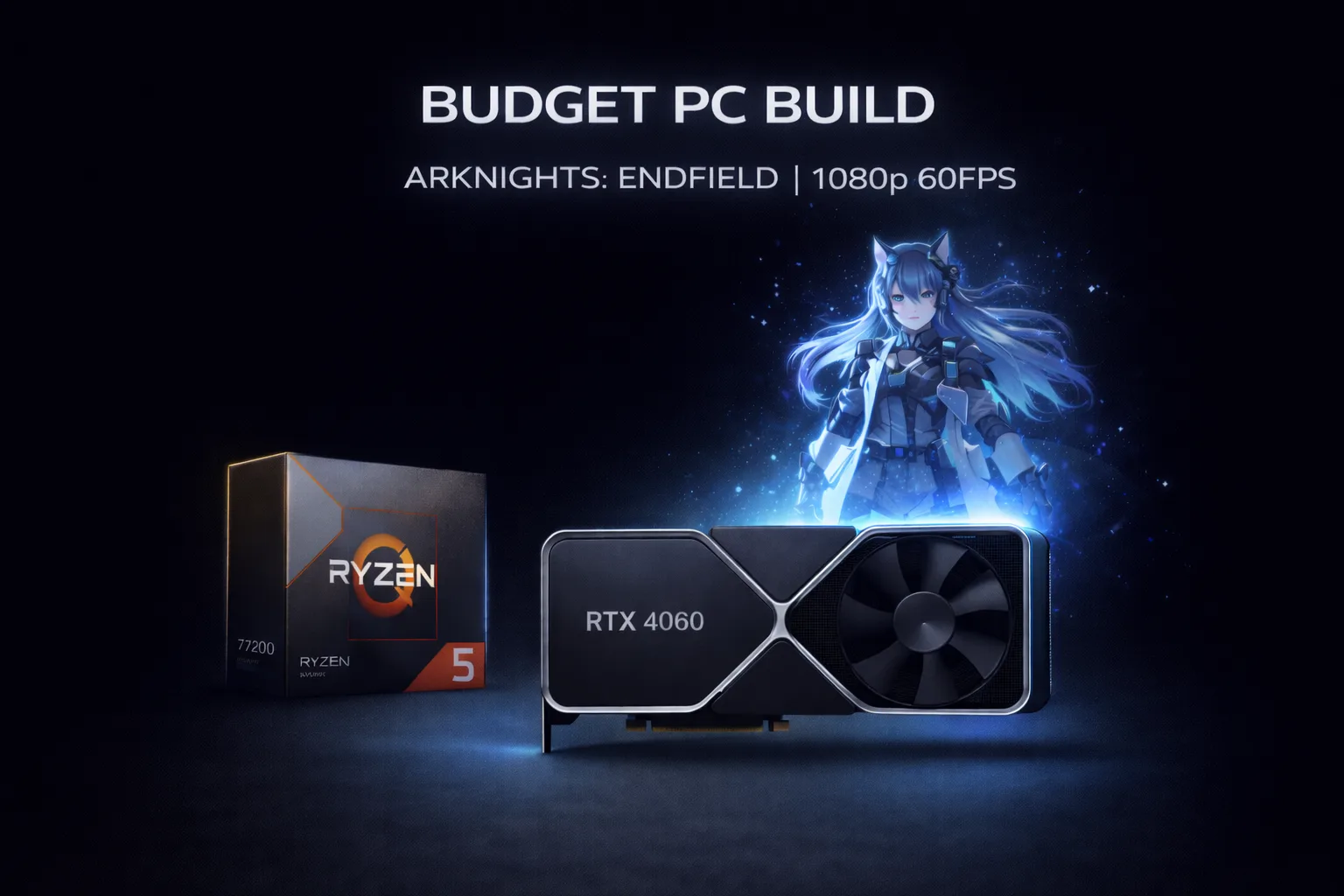
CPU: AMD Ryzen 5 7600 – $220 Six cores handle the game’s AI calculations and physics without bottlenecking. The 7600 provides plenty of headroom for background applications like Discord or streaming software while gaming.
GPU: NVIDIA RTX 4060 8GB – $290 Delivers consistent 60fps at 1080p with high settings. The 8GB VRAM handles the game’s texture streaming comfortably at this resolution. DLSS support provides performance headroom when you need it.
Motherboard: ASRock B650M-HDV/M.2 – $110 Basic but reliable AM5 platform with PCIe 4.0 support for your SSD. Includes sufficient USB ports and M.2 slots for future storage expansion.
RAM: Corsair Vengeance 16GB DDR5-5600 – $65 Meets the minimum 16GB requirement. The game probably runs fine here despite recommended specs calling for 32GB. Start with 16GB and upgrade later if needed.
Storage: Kingston NX790 1TB NVMe – $90 PCIe 4.0 drive with read speeds around 7,000MB/s eliminates loading stutters. The 1TB capacity accommodates Endfield plus several other large games.
PSU: Thermaltake Smart 600W 80+ – $50 Provides adequate power with efficiency certification. The build draws maybe 350W maximum under load, leaving comfortable overhead.
Case: Montech AIR 100 ARGB – $65 Mesh front panel ensures proper airflow for component cooling. Includes three RGB fans pre-installed.
Total: $890 (prices fluctuate, budget accordingly)
This configuration targets 1080p at 60fps with high settings. You’ll ocasionally dip into mid-50s during intensive battle sequences with lots of operators on screen, but overall performance stays smooth.
Mid-range build ($1,300-$1,500): excellent 1440p experience
CPU: AMD Ryzen 7 7700X – $310 Eight cores provide substantial processing power for streaming, recording, or running multiple applications alongside gaming. The higher boost clocks improve frame pacing.
GPU: NVIDIA RTX 4070 12GB – $550 This GPU crushes 1440p gaming in Endfield. Expect locked 120fps with maxed settings, or push toward 144fps with DLSS balanced mode enabled. The 12GB VRAM future-proofs against texture quality increases in updates.
Motherboard: MSI B650 GAMING PLUS WIFI – $190 Solid feature set including WiFi 6E, better VRM cooling than budget boards, and four RAM slots for easy future upgrades.
RAM: G.Skill Flare X5 32GB DDR5-6000 CL36 – $140 Jumping to 32GB eliminates any potential RAM concerns. The faster 6000MHz speed pairs well with Ryzen 7000 architecture for improved frame times.
Storage: WD_BLACK SN850X 2TB – $180 Premium PCIe 4.0 drive with exceptional sustained write speeds. The 2TB capacity gives room for large game libraries plus recording storage.
PSU: Corsair RM750e 80+ Gold – $100 Fully modular cables simplify build process. Gold efficiency reduces power waste and heat generation.
Case: Fractal Design North – $130 Excellent airflow design with aesthetic wood front panel option. Cable management features make building cleaner.
CPU Cooler: Thermalright Peerless Assassin 120 SE – $35 Massive tower cooler keeps the 7700X running cool and quiet even under sustained loads.
Total: $1,635 (premium components justify cost)
This build delivers exceptional 1440p performance with room for upgrades. The components balance well—no bottlenecks, everything working efficently together.
Component compatibility and assembly tips
All recommended motherboards use AM5 socket supporting current and future Ryzen processors. DDR5 RAM is standard across builds, avoiding dead-end DDR4 platforms.
PSU wattage recommendations assume no overclocking. If you plan pushing components beyond stock speeds, add 100-150W to the listed wattage.
Every build requires Windows 10 or Windows 11 64-bit. The game doesn’t support 32-bit operating systems regardless of hardware capabilities.
Assembly difficulty remains low for all builds. Watch a recent PC building guide on YouTube and take your time. The process typically requires two hours start to finish.
Where to buy and price tracking
Component prices fluctuate significantly. Use PCPartPicker to track current pricing across major retailers. Newegg, Amazon, and B&H Photo typically offer competitive prices with reasonable return policies.
Consider Micro Center if you live near a location. Their CPU and motherboard bundles often beat online prices by substantial margins. Open-box items from Micro Center carry full manufacturer warranties at significant discounts.
Avoid marketplace sellers on Amazon unless they’re fulfilled by Amazon. Third-party sellers sometimes ship used items as new or provide inadequate packaging causing shipping damage.
Building for the future
The AM5 platform supports future Ryzen processors through at least 2027 and likely beyond. Your motherboard and RAM remain relevant when upgrading just the CPU later, making these builds genuinely future-proof investments.
All recommended GPUs support DLSS upscaling and frame generation technologies. As Endfield receives updates with heavier graphics demands and expanded content, these technologies maintain playable framerates without requiring immediate hardware upgrades.
The 1TB and 2TB SSD recommendations assume you play multiple games simultaneously and maintain a varied library. If Endfield is your primary focus with maybe two or three other titles, 500GB suffices initially, though prices barely differ anymore making 1TB the smarter choice.

Amed Parker
PC performance and hardware specialist focused on system optimization and component analysis with real world performance testing. I combine hardware knowledge with tuning expertise to deliver stable and efficient results.