
WiFi 7 vs WiFi 6E: do gamers need the upgrade?
CONTENTS
Understanding the real performance differences before spending on new networking hardware
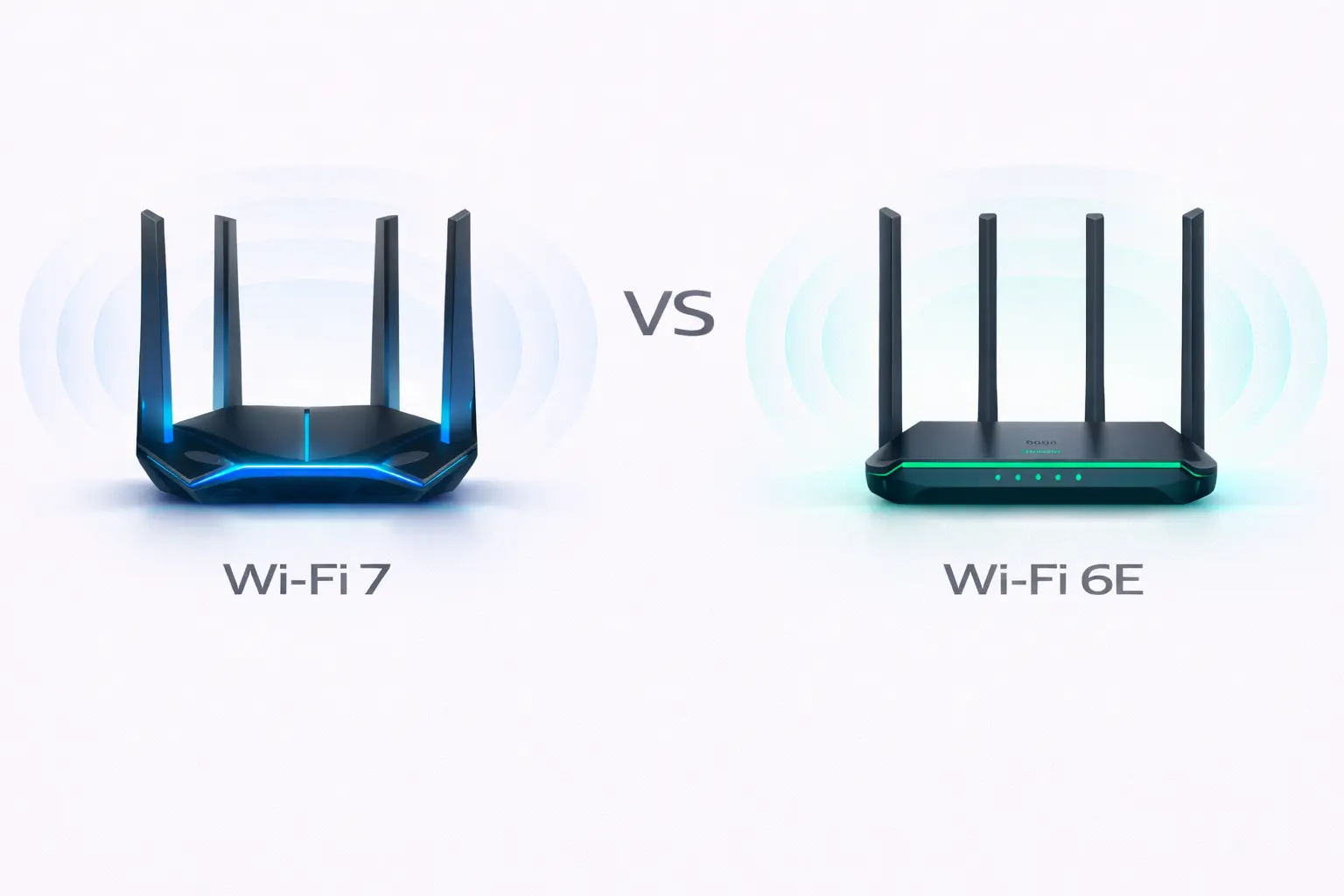
Wireless networking standards evolve constantly, and the jump from WiFi 6E to WiFi 7 represents a substantial leap in specifications. Router manufacturers promise dramatically faster speeds, lower latency, and better handling of crowded networks. Gaming-focused brands specificaly market WiFi 7 as essential for competitive play. Understanding what these upgrades actually deliver in real gaming scenarios helps determine whether the premium pricing justifies itself, or if WiFi 6E remains perfectly adequate for most players.
The technical differences explained
WiFi 6E introduced access to the 6GHz frequency band alongside existing 2.4GHz and 5GHz spectrums. This addition provided up to 1,200MHz of new bandwidth—more than doubling available wireless space. The 6GHz band operates cleanly without interference from older devices, microwaves, or neighboring networks that crowd 2.4GHz and 5GHz channels.
WiFi 7 builds on this foundation with several key improvements. Channel width expands from 160MHz maximum to 320MHz, effectively doubling the data pipeline. Modulation advances from 1024-QAM to 4096-QAM, cramming approximately twenty percent more data into each transmission. These changes combine to push theoretical maximum speeds from 9.6Gbps on WiFi 6E to 46Gbps on WiFi 7.
The most significant gaming-relevant feature is Multi-Link Operation. WiFi 6E devices connect through a single band at any given moment—either 2.4GHz, 5GHz, or 6GHz. WiFi 7 allows simultaneous connections across multiple bands, with your device sending and receiving data through whichever path offers the best performance at that instant. Think of it like upgrading from a single-lane road to a three-lane highway where traffic can shift between lanes dynamically.
Real-world gaming performance
Laboratory testing shows WiFi 7 delivering lower latency than WiFi 6E under optimal conditions. Measurements typically show 3-7ms latency for WiFi 6E versus 1-3ms for WiFi 7 when devices sit close to the router with minimal interference. That difference shrinks considerably as distance increases or obstacles appear between device and router.
For competitive multiplayer games where every millisecond matters—titles like Valorant, Counter-Strike 2, or League of Legends—the latency advantage remains modest compared to wired Ethernet. Testing demonstrates 1-3ms average latency for Ethernet connections versus WiFi 7’s 1-3ms in ideal conditions. The problem is maintaining those ideal conditions during actual gameplay when family members stream video, smart home devices communicate, and neighbors’ networks create interference.
Single-player games see negligible benefit from WiFi 7 versus WiFi 6E. Download speeds for game patches or initial installs depend primarily on your internet service provider’s connection speed rather than your wireless router’s capabilities. Even multi-gigabit internet connections rarely saturate WiFi 6E’s bandwidth when downloading from game servers that typically cap speeds based on available infrastructure.
Cloud gaming represents the clearest use case for WiFi 7’s improvements. Services like GeForce NOW or Xbox Cloud Gaming benefit from reduced latency and more consistent connections. The Multi-Link Operation feature helps maintain stable streams when network traffic fluctuates, reducing stuttering or quality drops during intensive gaming sessions.
Device compatibility challenges
WiFi 7’s advantages only materialize when both router and client device support the standard. As of early 2026, WiFi 7 routers exist but device support remains limited. Most gaming laptops, desktops, and consoles only support WiFi 6 or WiFi 6E.
Motherboards with integrated WiFi 7 started appearing in late 2025, primarily in premium models. Budget boards still ship with WiFi 6E. Standalone WiFi 7 PCIe adapters exist but cost significantly more than WiFi 6E equivalents.
PlayStation 5 and Xbox Series X|S use WiFi 6, not WiFi 6E. Handhelds like Steam Deck similarly max out at WiFi 6 or 6E. These devices won’t benefit from WiFi 7 router upgrades.
Price considerations
WiFi 7 routers cost substantially more than WiFi 6E models. Entry-level WiFi 7 routers start around $300-400, while comparable WiFi 6E routers sell for $150-250. Premium WiFi 7 gaming routers easily exceed $600-800.
The premium becomes harder to justify when most devices can’t utilize WiFi 7 features. You’re paying for future compatibility rather than immediate gains. WiFi 6E routers have matured, with strong competition driving prices down while maintaining excellent gaming performance.
A quality WiFi 6E router like the ASUS RT-AXE7800 provides three bands including 6GHz, typically selling around $250-300. Spending an additional $300-500 for WiFi 7 makes sense primarily if you plan keeping the router five-plus years.
When WiFi 7 makes sense
Large households with numerous users streaming, gaming, and working remotely see more benefit from WiFi 7’s improved capacity. Multi-Link Operation and wider channels help prevent congestion when ten-plus devices actively transfer data.
Content creators transferring large video files across local networks benefit from WiFi 7’s throughput. Editing workstations communicating with network storage can utilize bandwidth WiFi 6E might bottleneck.
Early adopters willing to pay premium prices find value in WiFi 7. If you regularly upgrade networking equipment, the investment makes sense despite limited device support.
Gamers specifically concerned about wireless latency gain minimal advantage from WiFi 7 versus quality WiFi 6E. The difference between 3ms and 1.5ms rarely impacts gameplay noticeably.
The WiFi 6E case
WiFi 6E remains excellent for gaming in 2026. The 6GHz band provides clean spectrum with minimal interference. Speeds exceed what most internet connections deliver, and latency stays low for competitive gaming when properly configured.
Quality WiFi 6E routers deliver consistent performance at substantially lower cost than WiFi 7. Money saved could fund other gaming upgrades with more tangible performance impacts—better GPU, faster SSD, or higher refresh rate monitor.
Most gaming performance issues stem from factors other than WiFi standard. Router placement, interference sources, and distance matter more than whether you’re using WiFi 6E or WiFi 7. A well-positioned WiFi 6E router outperforms a poorly-placed WiFi 7 router.
Making the decision
Stick with WiFi 6E if your current setup handles your gaming needs adequately. The performance gap doesn’t justify the cost premium for most users. Upgrading from WiFi 5 or older standards makes sense regardless of whether you choose 6E or 7.
Consider WiFi 7 if you’re building a completely new network, plan keeping the router for many years, and have budget flexibility. The technology offers genuine improvements that will matter more as device support expands.
Focus upgrade dollars on wired connections where possible. Running Ethernet to your primary gaming PC delivers better latency and reliability than any wireless standard. Reserve wireless for devices that genuinely need mobility—laptops, handhelds, phones.

Amed Parker
PC performance and hardware specialist focused on system optimization and component analysis with real world performance testing. I combine hardware knowledge with tuning expertise to deliver stable and efficient results.