
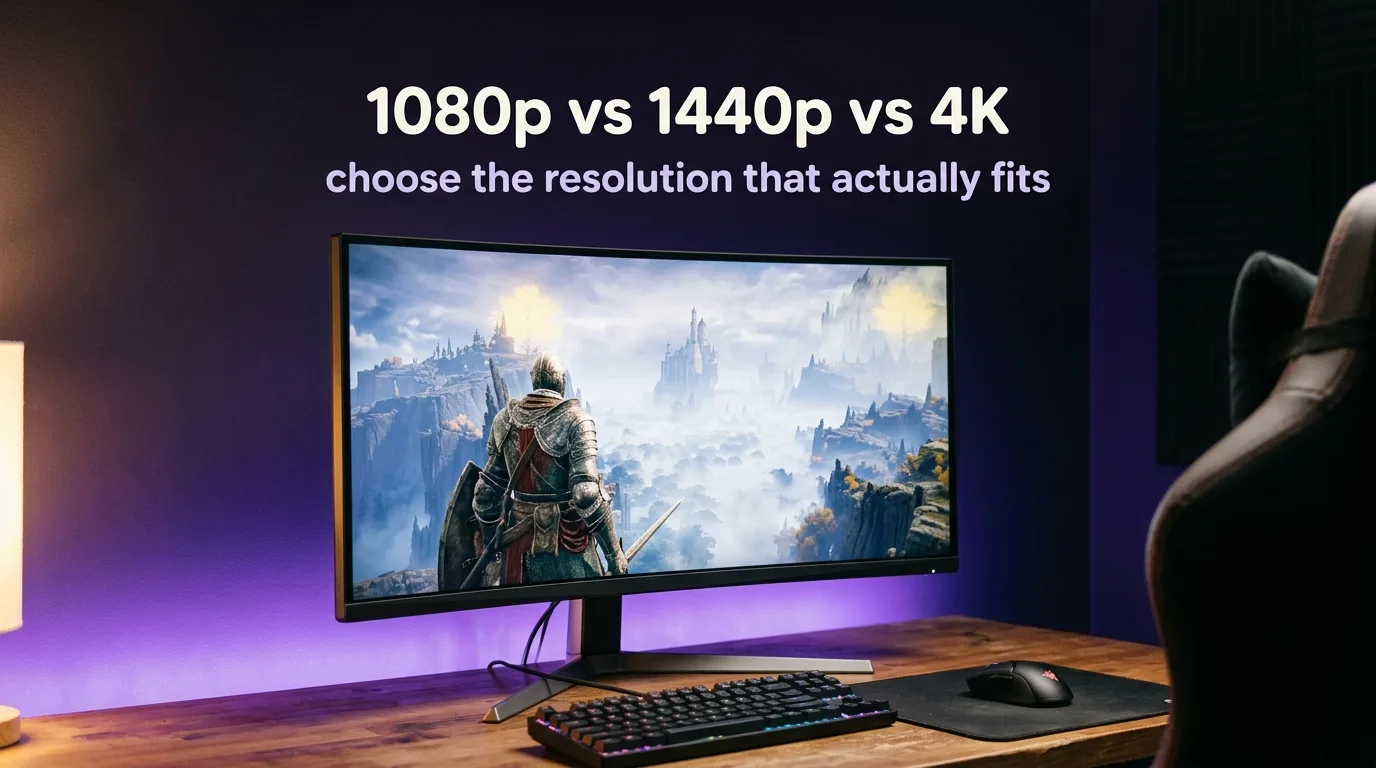
Resolution is one of those decisions that sounds technical but is actually very personal. The right answer depends on how you play, what you play, how far you sit from your monitor, and what GPU you are running. In practice, what you’ll actually notice is that two people with identical hardware can make completely opposite resolution choices and both be right.
This guide cuts through the comparison charts and gets to the part that actually matters: which resolution fits your specific situation.
Why the “more pixels = better” logic breaks down fast
More pixels means the GPU has to render more data every frame. At 1080p, a frame contains roughly 2 million pixels. At 1440p, that number jumps to 3.7 million. At 4K, it’s 8.3 million. Each step up costs real GPU performance, and what you get back in visual sharpness depends heavily on your monitor size and your viewing distance.
On a 24-inch monitor at typical desk distance, the jump from 1080p to 1440p is noticeable but modest. On a 27-inch panel, 1440p is where the image genuinely starts looking sharp rather than just acceptable. On a 32-inch monitor, 1080p starts to show pixel structure at close viewing distances, and 1440p becomes the comfortable baseline. 4K on anything under 32 inches at normal desk distance produces diminishing returns that most people cannot reliably perceive in motion.
Day to day, this matters more than the spec sheet suggests. A 1440p image on a good 27-inch IPS panel feels noticeably cleaner than 1080p on the same screen. The same GPU driving 4K on a 27-inch panel at two feet of viewing distance does not deliver a proportional improvement over 1440p.
GPU requirements per resolution: the honest numbers
This is where the choice becomes practical. Resolution targets are only meaningful if your hardware can actually hit them at playable framerates.
For stable 60 FPS at 1080p on high-to-ultra settings in current titles, you are looking at an RX 6600 or RTX 3060 and above. Older hardware like the GTX 1070 or RX 580 still handles 1080p well on medium settings and remains a viable choice for players prioritizing framerate over visual fidelity.
For stable 60 FPS at 1440p, the entry point moves to an RTX 3070 or RX 6700 XT range. These cards handle 1440p comfortably in most titles without needing to drop settings significantly. An RTX 4070 or RX 7800 XT makes 1440p genuinely effortless and opens the door to higher refresh rates at that resolution.
For 4K at 60 FPS on high settings, you are looking at RTX 4080 territory and above, or an RX 7900 XTX. DLSS and FSR upscaling help significantly here and practicaly close the gap between a 1440p-native card and 4K output in many titles, but native 4K at high framerates remains a high-end proposition.
The important point: matching your resolution target to your GPU is what separates a smooth experience from a compromised one. Running 4K on a card built for 1440p usually means lower settings or lower framerates, and the image quality advantage of the higher resolution gets partially offset by the settings reductions needed to sustain it.
Competitive vs immersive: two genuinely diferent use cases
For competitive players, the resolution conversation is almost secondary to the refresh rate conversation. At 1080p, most mid-range GPUs can push 144 Hz, 165 Hz, or higher framerates in titles like CS2, Valorant, or Apex Legends. Higher framerates reduce input lag and produce smoother motion, both of which matter more in competitive contexts than pixel density.
For competitive players, this changes things: a 1080p 240 Hz monitor consistently outperforms a 1440p 144 Hz monitor in titles where reaction time and motion clarity determine outcomes. The lower resolution frees up GPU headroom for the framerate, which is the variable that actually affects competitive performance.
For immersive single-player games, the calculation flips. A 60 FPS locked experience at 1440p on a 27-inch IPS panel in something like Cyberpunk 2077 or Elden Ring delivers a noticeably richer visual experience than the same title at 1080p. The higher pixel density shows texture detail more clearly, and the visual fidelity contributes directly to the sense of being inside the world.
Mixed-use players, which is most people, sit somewhere between these two profiles. For them, 1440p at a 144 Hz or 165 Hz refresh rate is the resolution that handles both use cases without fully compromising either.
Monitor size and viewing distance: the variables most guides skip
The perceptible sharpness of any resolution is a function of pixel density (pixels per inch) and viewing distance. A 1440p 27-inch monitor has a pixel density of around 109 PPI. A 1080p 24-inch monitor has around 92 PPI. The gap is real but not dramatic at arm’s length.
Where it becomes noticeable is when you move to a larger panel. A 1080p 32-inch monitor has around 69 PPI, which is low enough that individual pixels become visible at normal desk distances. At 32 inches, 1440p is the practical minimum for a sharp-looking image, and 4K on a 32-inch panel at desk distance looks genuinly excellent.
If you are sitting further back, say on a couch in front of a TV, the viewing distance calculation changes again. At ten feet, the difference between 1080p and 4K on a 55-inch screen is visible but the difference between 1440p and 4K is substantially harder to detect.
Recommendation by use case
| Profile | Resolution | Why |
|---|---|---|
| Competitive gaming, high refresh rate priority | 1080p, 240 Hz | GPU headroom goes to framerate |
| Mixed use, 27-inch monitor | 1440p, 144-165 Hz | Best all-around balance in 2026 |
| Immersive single-player, 27-32 inch | 1440p or 4K | Visual fidelity matters more than framerate ceiling |
| High-end GPU, large panel or TV | 4K | Hardware justifies the resolution step |
| Mid-range GPU, budget-conscious | 1080p | Maximize framerate and settings quality |
The sweet spot for most PC gamers in 2026 is 1440p at 144 Hz on a 27-inch panel. It is the resolution that stopped being expensive without becoming cheap, and the GPU requirement sits in a range where mid-to-high-end cards from the last two generations perform confidently. After a few hours, you start to notice that the sharpness improvement over 1080p is not dramatic on its own, but combined with a good panel and a stable 100-plus framerate, the overall experience is definately a step above what 1080p was delivering three years ago.
4K remains a meaningful upgrade for the right setup: a 32-inch or larger panel, a GPU that can sustain it, and content that rewards the pixel density. For most desk setups with a 27-inch monitor and a current mid-range card, 1440p is the better investment.











Join the Discussion