
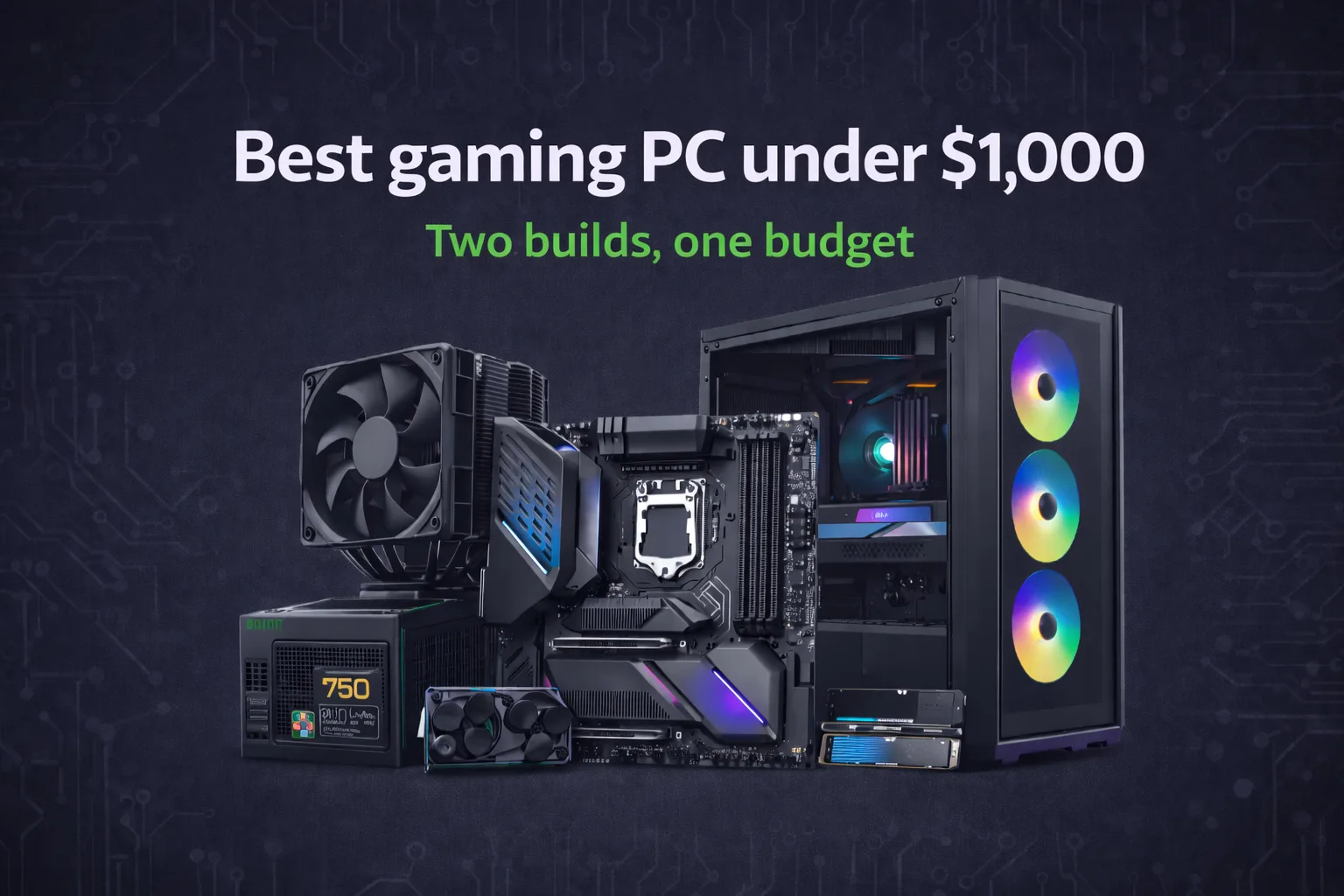
A thousand dollars used to be mid-range. In 2026 it is the sweet spot. The GPU market has normalized enough that a $1,000 build today delivers what a $1,400 build delivered two years ago, and the CPU options at this price bracket are genuinely strong across both AMD and Intel. If you are building right now and have around $1,000 to work with, you are in the best position this segment has been in a while.
This guide covers two complete builds: one tuned for competitive gaming at high framerates, one tuned for 1440p quality gaming. Both come in under $1,000. Both have a clear upgrade path.
Why $1,000 is the right place to be in 2026
Below $700, you start making compromises that cost you more than money. The GPU tier drops to cards that handle current titles at 1080p medium settings but struggle at higher resolutions and will feel the age of newer releases faster. The storage and memory choices at that budget also leave less room to build correctly.
Above $1,200, the performance gains per dollar start flattening sharply. An RTX 4080 Super costs roughly twice what an RTX 4070 Super costs and delivers around 30 to 35 percent more performance. That math does not work in a budget context.
At $1,000, you can fit a capable CPU, a GPU that handles 1440p without compromise, 32 GB of DDR5, a 1 TB NVMe SSD, and a quality motherboard. Nothing feels like a sacrifice. Everything has room to grow.
Build A: competitive gaming, maximum framerate
This build is designed for players who prioritize high refresh rates at 1080p. Competitive titles, esports, high-FPS gaming. The CPU is the centerpiece here because high-framerate gaming at 1080p is more CPU-sensitive than most people expect.
| Component | Choice | Approx. Price |
|---|---|---|
| CPU | AMD Ryzen 5 7600X | $180 |
| GPU | RTX 4070 Super | $450 |
| Motherboard | MSI B650 Tomahawk | $140 |
| RAM | 32 GB DDR5-6000 (2×16) | $75 |
| Storage | 1 TB WD Black SN850X | $80 |
| PSU | Corsair RM750e | $75 |
| Case | Fractal Pop Air | $75 |
| Total | ~$1,075 |
The Ryzen 5 7600X handles competitive titles without becoming a bottleneck at high framerates. It is fast where it matters (single-core clock speed) and does not overspend on cores you will not use in games like Valorant or CS2.
The RTX 4070 Super is the GPU that makes this build work. At 1080p in competitive titles, it produces framerates well above 200 FPS consistently. At 1440p in more demanding titles, it handles high settings at 100-plus FPS. You could go with an RTX 4070 here and save $80, but actually, hold on: the 4070 Super’s extra performance headroom is worth the difference when you consider how long you will be running this build.
DDR5-6000 is the right memory spec for Ryzen 7000. It hits the EXPO profile that aligns with the memory controller’s sweet spot and produces measurable gains in CPU-sensitive workloads compared to slower DDR5 at equivalent cost.
Build B: 1440p quality gaming, visual fidelity focus
This build is for players who want a great-looking image at 1440p, are comfortable with 60 to 100 FPS rather than chasing 200-plus, and play titles where visual quality matters. Open-world games, RPGs, anything where you want the image to look excellent rather than just fast.
| Component | Choice | Approx. Price |
|---|---|---|
| CPU | Intel Core i5-14600K | $200 |
| GPU | RX 7800 XT | $400 |
| Motherboard | Gigabyte B760 Gaming X | $130 |
| RAM | 32 GB DDR5-5600 (2×16) | $70 |
| Storage | 1 TB Samsung 990 Pro | $90 |
| PSU | be quiet! Pure Power 12 750W | $80 |
| Case | NZXT H5 Flow | $80 |
| Total | ~$1,050 |
Here’s where it gets interesting: the RX 7800 XT consistently punches above its price at 1440p. It matches or beats the RTX 4070 in rasterization performance at that resolution while costing noticeably less, which frees budget for a stronger CPU and better storage.
The i5-14600K is a strong choice for this workload. Its combination of performance and hybrid-core efficiency handles both gaming and the occasional content creation or streaming task without complaint. For pure gaming, it is more CPU than you need, but the price difference between this and a weaker Intel option is small enough that the headroom is worth having.
The tradeoff with Build B is that AMD’s DLSS equivalent (FSR) is not as refined as NVIDIA’s, which matters in titles that lean on upscaling heavily. For native rendering at 1440p on high-to-ultra settings, the RX 7800 XT is defintely the better value. For ray-tracing-heavy titles, the RTX 4070 in Build A has the edge.
Memory and storage: where most guides cut corners
Both builds include 32 GB of DDR5. This is not future-proofing for its own sake. Several titles in 2025 and early 2026 have shown memory pressure above 16 GB in demanding scenarios, and 32 GB ensures you are not leaving performance on the table as games continue to grow.
I’ve seen people regret skipping good storage. A slow NVMe drive in an otherwise strong build creates loading bottlenecks that are noticeable in open-world titles. Both builds include drives that sustain real-world read speeds above 6,000 MB/s. The cost difference between these and a budget drive is around $20 to $30 and the impact is realy worth it.
Upgrade path for both builds
Both builds are built on platforms with room to grow without replacing the motherboard.
Build A on AM5 supports the full Ryzen 7000 and upcoming Ryzen 9000 lineup. A CPU upgrade to a Ryzen 7 9700X or an X3D variant in 12 to 18 months drops in without a platform change. The GPU can be upgraded independently whenever the next generation offers better value.
Build B on LGA1700 is nearing the end of Intel’s roadmap, but the platform is stable and the i5-14600K itself has significant remaining headroom for current gaming workloads. GPU upgrade to an RTX 5070 or RX 8800 XT equivalent in the next generation makes the most sense when those cards land at reasonable prices.
What to avoid at this budget
Spending more than $200 on a CPU for a gaming build at this price point. Above that, the marginal gaming performance gain is small and the money is better spent on the GPU. Buying less than 32 GB of RAM in 2026 given where game memory requirements are heading. And choosing a 650W PSU thinking it will cover a future GPU upgrade: budget for 750W now and avoid the second purchase.
At this budget, your best move is to decide which use case fits you and build for that directly rather than trying to split the difference. Both builds are strong. Neither one is a compromise.













Join the Discussion