
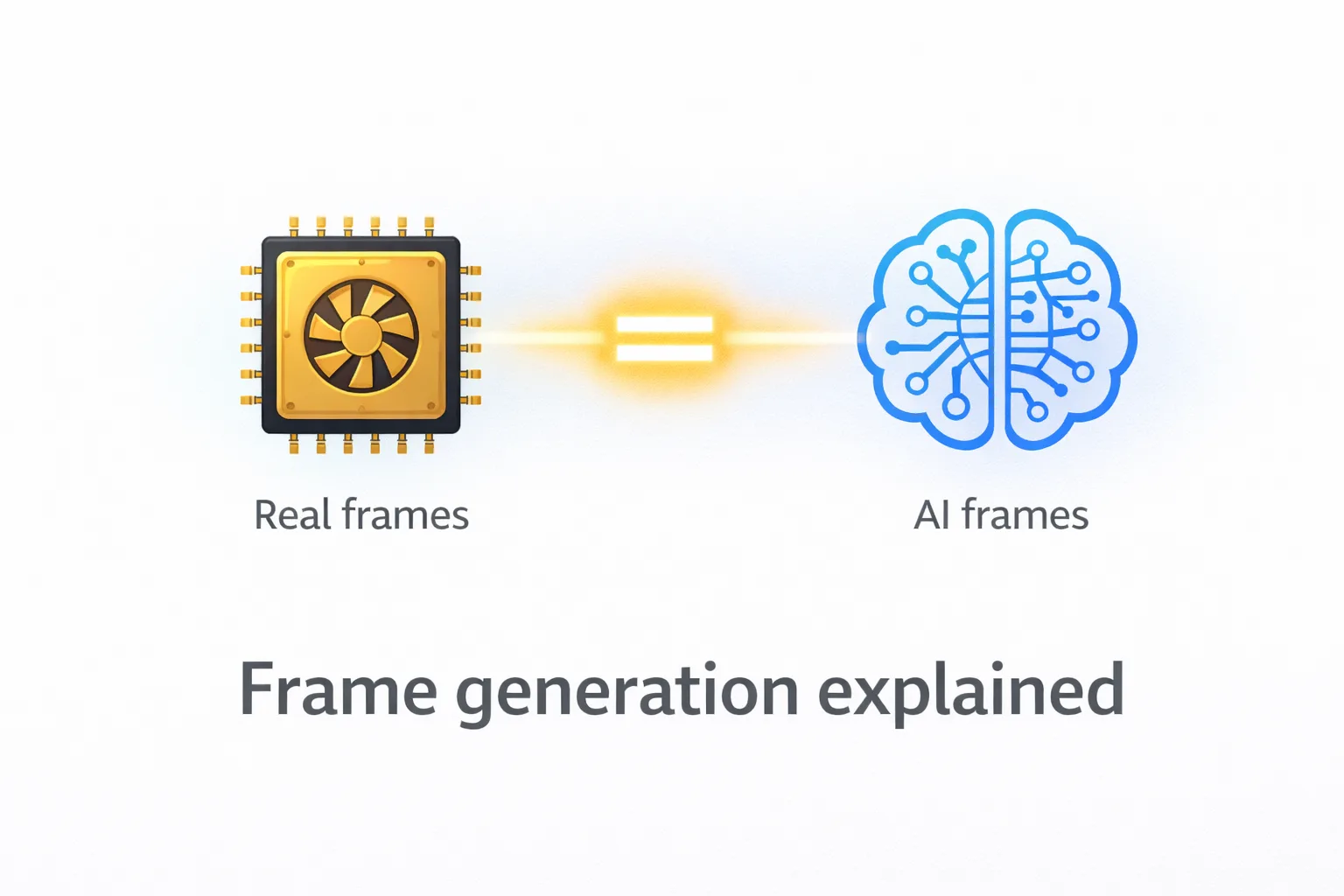
Frame generation is one of those features where the name almost works against it. It generates frames. That sounds straightforward. But the moment someone tells you they are running their game at 120 FPS with frame generation enabled, you need to understand what that number actually represents and what it does not, because the difference matters more than most coverage of this technology makes clear.
Frame generation, as implemented in NVIDIA DLSS 3 and 4 and AMD Fluid Motion Frames, uses AI to synthesise additional frames between the ones your GPU actually renders. The goal is to increase the frame rate number you see in benchmarks and overlays, and the smoothness you experience on screen. It works. The question is what exactly it delivers and where the limits of that delivery are.
What frame generation actually does
Here is the thing most people miss about how frame generation works under the hood. Your GPU renders a frame. This is the real work: geometry processing, lighting calculations, shader evaluation, all of it. The result is a fully computed image. Frame generation then takes two consecutive rendered frames and interpolates a synthetic frame between them, using a neural network trained to estimate what motion was happening between those two real frames.
At 60 rendered FPS with frame generation doubling output, you get 120 frames displayed per second. The GPU rendered 60 of those. The AI synthesised the other 60. With DLSS 4 Multi Frame Generation, the ratio extends further: one real frame followed by up to three AI frames, producing displayed frame rates that can reach multiples of the underlying rendered output.
The AI synthesised frames are genuinely good. In motion-heavy gaming content, particularly camera movement and environment traversal, the interpolated frames blend seamlessly with the real ones. The result on screen looks smoother than the rendered frame rate alone would produce, and that smoothness is real and perceptible.
What the synthesised frames do not do is reduce the time between your input and its appearance on screen. That latency is determined by how fast your GPU renders real frames, not how many AI frames appear between them. This is the fundamental distinction that separates frame generation from raw rendering performance.
The input latency reality
Basically, what is happening when you use frame generation is this: your rendered FPS drives your input responsiveness, and your displayed FPS drives your visual smoothness. These two metrics move independently once frame generation is active.
A system rendering at 60 FPS with frame generation producing 120 displayed FPS has the input latency profile of a 60 FPS system. Your mouse movement, your button presses, the responsiveness of the game to your inputs, all of that reflects the underlying 60 FPS. The AI frames do not inject new game states. They interpolate between existing ones.
NVIDIA’s Reflex technology was specifically designed to address this. When Reflex is active alongside DLSS Frame Generation, it reduces the system latency at the GPU and CPU level to bring the overall input-to-display pipeline closer to what the higher displayed frame rate might suggest. Even with Reflex enabled, the rendered frame rate remains the governing factor for input responsiveness. What Reflex does is remove unnecessary queuing and processing delays that would otherwise inflate the latency beyond the baseline.
In practise, the difference this creates is most noticeable in competitive gaming scenarios where input precision is the primary variable. At 60 rendered FPS with frame generation producing 120 displayed FPS, your aim and reaction timing respond at 60 FPS rates while your eyes perceive 120 FPS motion. In a fast-paced shooter, this gap is perceptible to players who have developed sensitivity to latency through high-refresh-rate gaming at native frame rates.
Where frame generation is genuinely useful
The scenarios where frame generation delivers real, meaningful benefit are ones where the visual experience is the primary concern and input precision is secondary, or where the underlying rendered frame rate is already high enough that the input latency gap is relatively small.
Single-player games with rich environments, cinematic lighting, and exploration-driven gameplay are the strongest use case. A game rendering at 80 FPS with frame generation producing 160 displayed FPS provides excellent visual fluidity for traversal, cutscenes, and atmospheric gameplay where the subtlety of an AI-synthesised frame causes no practical problem. The visual quality of path-traced titles in particular benefits from frame generation because the underlying rendered frame rate in path tracing workloads tends to be lower, and the uplifted displayed rate makes the visual result feel responsive.
Open-world exploration, story-driven experiences, and racing games where the visual sensation of speed matters are all strong fits. Suprisingly, even strategy games at the right zoom level benefit from the smoother camera movement that frame generation produces.
The weaker use cases are high-stakes competitive titles where input precision is everything. Valorant, CS2, and similar games where players are sensitively attuned to the feel of mouse response under load are not the primary home for frame generation. The players most likely to notice the latency distinction are also the players most likely to care about it.
How DLSS 4 Multi Frame Generation changes the equation
NVIDIA’s DLSS 4 Multi Frame Generation, introduced with the RTX 50 series in early 2026, extends the technology to generate up to three AI frames per rendered frame rather than one. This produces displayed frame rates that can reach 4x the underlying rendered output.
The multiplier benefit increases the visual smoothness ceiling significantly. A system rendering at 60 FPS can display at 240 FPS. The limitation remains the same as DLSS 3: input latency reflects the 60 rendered FPS, not the 240 displayed. NVIDIA Reflex mitigates but does not eliminate this.
The honest verdict on frame generation is straightforward. It is a genuinely useful technology that increases visual fluidity at the cost of input responsiveness relative to what the displayed frame rate would imply. Understanding both sides of that trade-off tells you exactly when to enable it and when to leave it off. Enable it for immersive single-player experiences where you want the highest possible visual smoothness. Leave it off or use it cautiously in competitive contexts where every millisecond of input response matters.
The number frame generation produces is real in the sense that your display is showing it. What it is not is equivalent to achieving that frame rate through raw rendering. Both things can be true, and knowing which situation you are in determines whether the technology serves you well.














Join the Discussion