
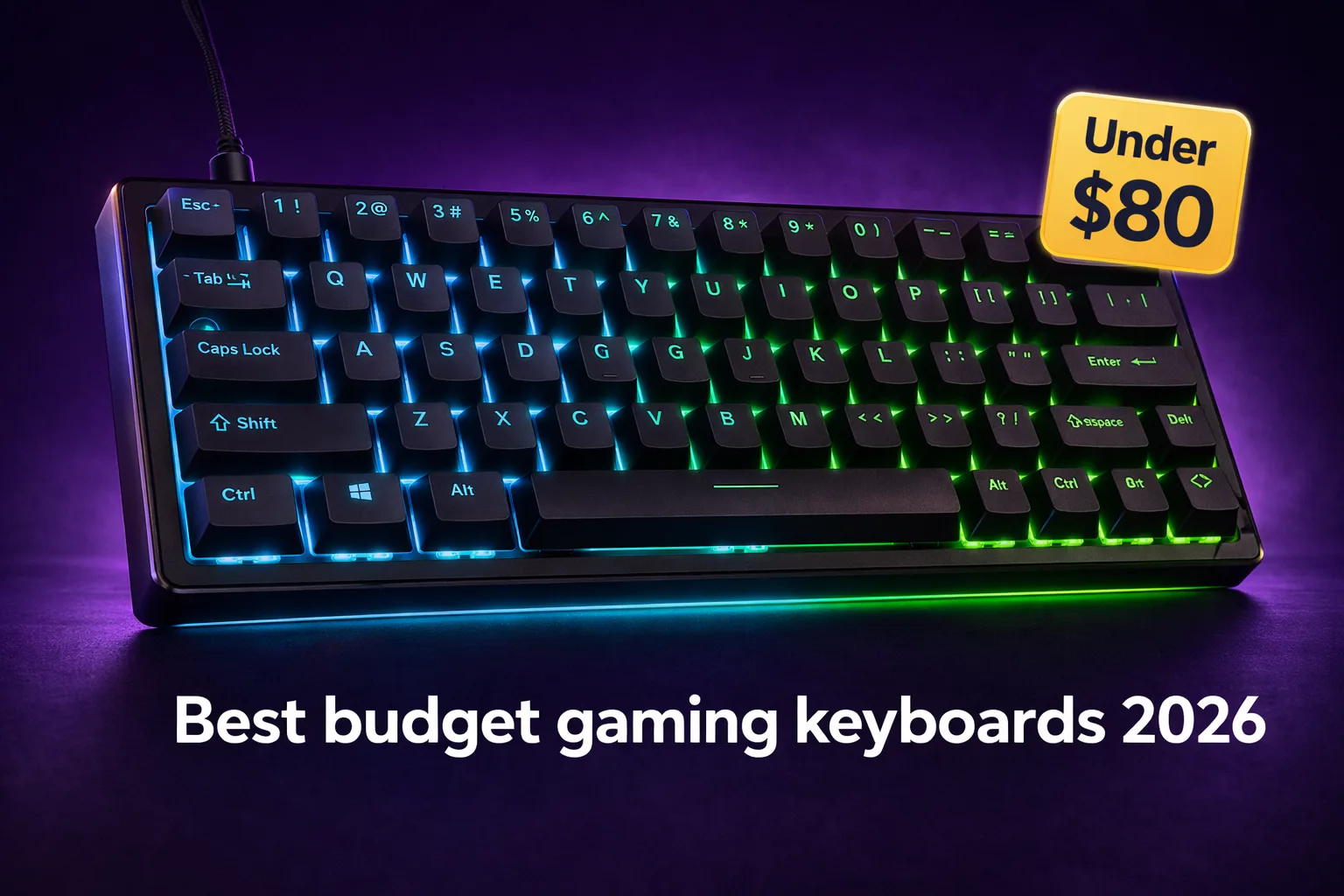
The best budget gaming keyboards under $80 in 2026 offer features that required twice the budget two years ago. Gasket-mount construction, hot-swappable switches, PBT keycaps, and wireless tri-mode connectivity are no longer premium territory. If you are still gaming on an older membrane board or a cheap mechanical that came with your first build, this is the tier that makes the upgrade genuinely worthwhile.
What has changed at this price in 2026
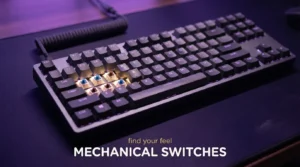
The budget gaming keyboard market has converged on a set of features that used to separate mid-range boards from entry-level ones. Hot-swap support is now standard at $50 and above, meaning you can pull out the factory switches and install whatever you prefer without soldering. Gasket mounting, which floats the PCB on silicone dampeners to soften both the typing sound and feel, appears at prices that would have seemed impossible three years ago.
Switch quality has followed the same trajectory. Pre-lubed linear switches from Gateron, Akko, and Leobog ship in boards under $60 and feel genuinely smooth out of the box. If you have never tried a well-lubed linear switch for gaming, the experience of fast, quiet keypresses without the roughness of unlubed factory switches is hard to go back from. If some of your game library is better served by controller input, our controller guide covers the PC options worth pairing alongside a mechanical keyboard for a complete setup.
In practice, what this means is that the decision at this budget is less about which board gives you a mechanical switch and more about which combination of layout, connectivity, and build quality fits your actual desk setup and play style.
Best picks under $80
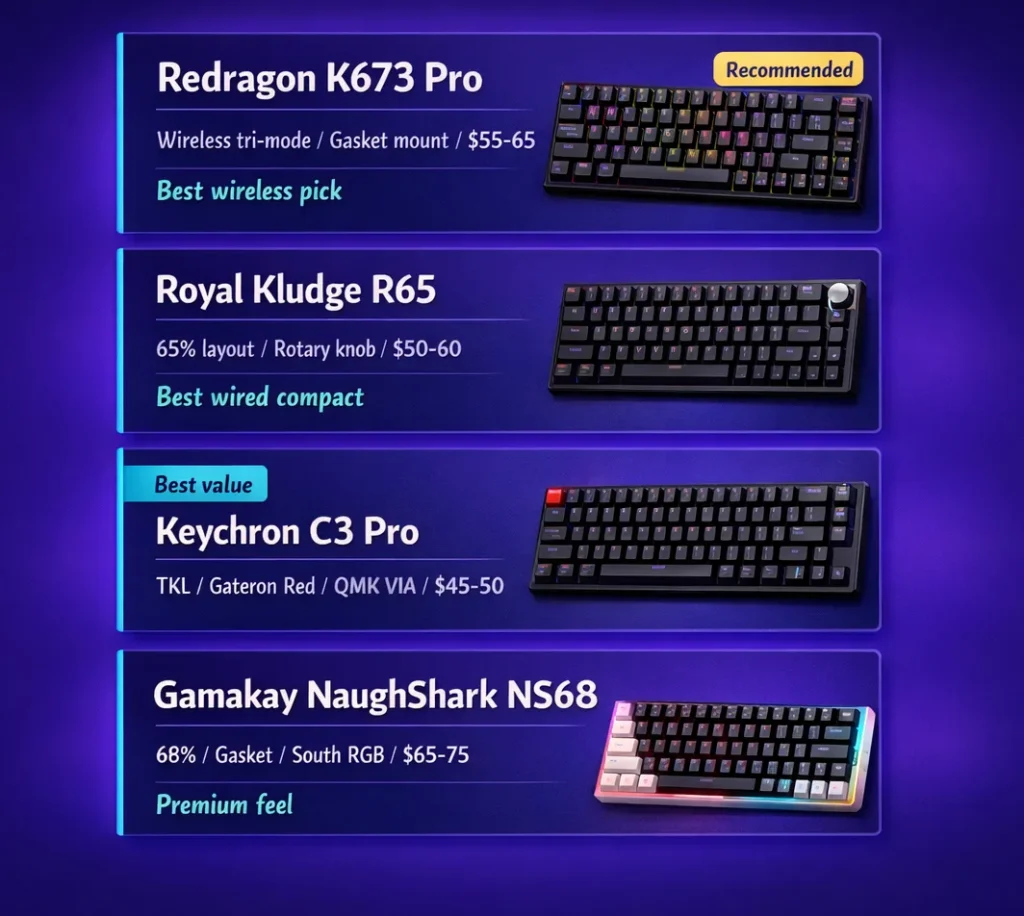
Redragon K673 Pro ($55 to $65): The K673 Pro is the most-recommended wireless board in this price range for good reason. Gasket mount, tri-mode wireless (2.4GHz, Bluetooth, USB-C wired), hot-swappable switches, and RGB per-key illumination at under $65 represent genuine value. The 2.4GHz connection runs at 1000Hz polling, which is the competitive standard and more than adequate for most gaming scenarios. The keycaps are ABS, which will develop a shine after several months of heavy use. If keycap appearance is important to you, the upgrade path to PBT aftermarket keycaps is straightforward and inexpensive.
Royal Kludge R65 ($50 to $60): For wired-only buyers who want a compact layout with arrow keys, the R65 delivers standout build quality at its price. The 65% layout preserves arrow keys that a 60% board would sacrifice, which matters more than most guides acknowledge for players who use arrow keys in RTS titles, text editing, or navigation. The rotary volume knob is a practical inclusion. The lubed linear switches feel better than the price suggests, and the overall acoustic profile is quieter than comparable boards in this range. I know this sounds minor, but the difference between a plasticky typing sound and a dampened thock genuinely changes how long you can use a keyboard before fatigue sets in.
Keychron C3 Pro ($45 to $50): The cleanest entry point in this price range for buyers who want a known brand, a TKL layout (no numpad, full function row, arrow keys), and reliable hot-swap support. Gateron G Pro Red switches come pre-installed and are among the smoothest factory linears available at this price. QMK and VIA programmability means you can remap every key if you want that level of control. The C3 Pro is a better keyboard than its price implies, and for buyers prioritising value per dollar, this is the smart choice.
Gamakay X NaughShark NS68 ($65 to $75): The board that PC Gamer named their best budget gaming keyboard pick recently. The NS68 lands with a 68% layout that keeps the arrow keys and some navigation cluster keys in a compact footprint. Gasket mount with sound dampening foam layers, hot-swappable south-facing RGB, and a satisfying acoustic profile elevate it above similarly priced competition. At $65 to $75, it sits at the upper end of this tier but delivers build quality that feels closer to an $100 board.
Switch types and what they actually mean for gaming
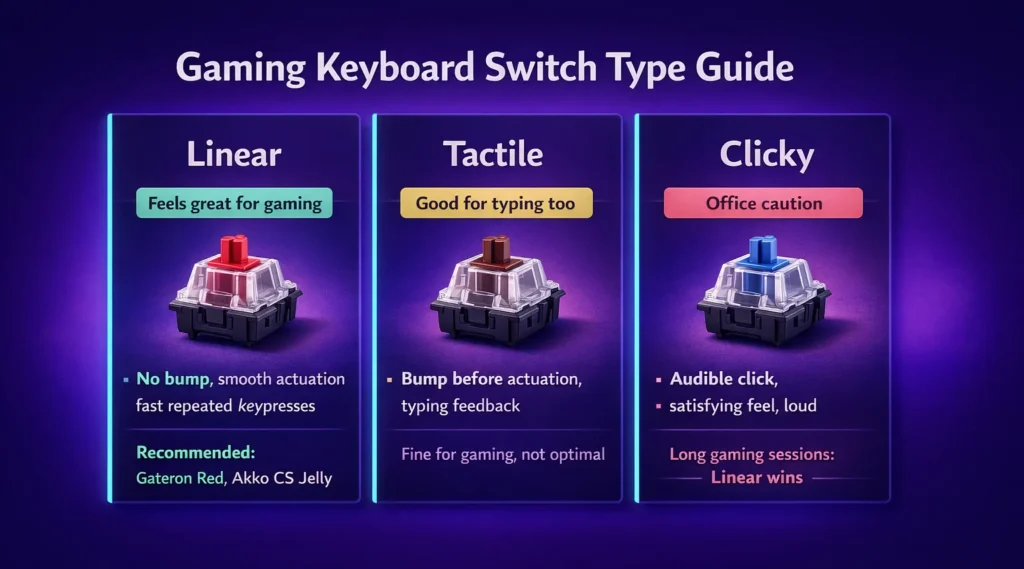
The linear versus tactile debate comes up constantly in keyboard discussions, and the honest answer is that for gaming specifically, linear switches have a practical edge. There is no tactile bump or audible click to push through before the keypress registers. The actuation is smoother, faster for rapid repeated keypresses, and quieter in most cases.
Tactile switches like brown variants are the compromise choice: a bump that provides typing feedback without the loudness of clicky switches. They work fine for gaming but do not provide the same low-friction feel for fast inputs.
For the switches that ship in boards at this price range, the Gateron G Pro Red, Akko CS Jelly variants, and Leobog linear options all represent genuinly good factory quality. Keychron’s own switches and the Redragon factory linears are more variable but adequate, particularly given the hot-swap support that lets you replace them whenever you find something you prefer more.
What you are not getting at this price
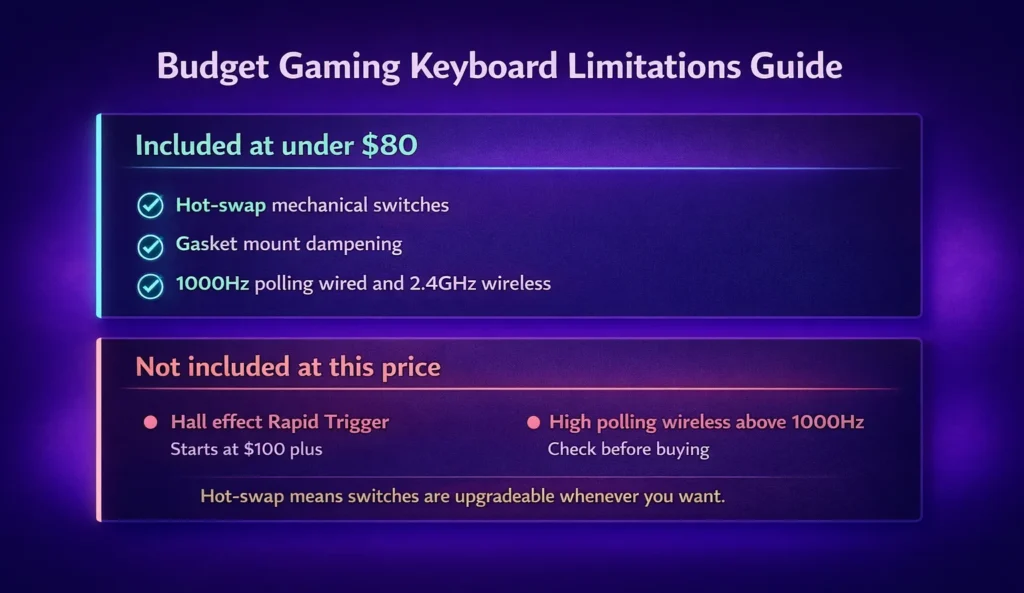
Hall effect switches are the notable absence at the under $80 tier. Boards like the Wooting 80HE and NuPhy Field75 HE bring magnetic sensor technology that allows Rapid Trigger (adjustable per-key reset distance) and per-key actuation adjustment. These features are genuinely valuable for competitive FPS players who operate at high sensitivity with fast repeated keypresses. Hall effect boards that implement these features correctly start at $100 and above.
If you play competitive titles at a high level and Rapid Trigger is something you have read about and believe would benefit your play style, the $80 ceiling puts that technology out of reach. The boards in this guide do not deliver it. What they deliver is excellent mechanical switch performance at 1000Hz polling, which is the standard for most gaming contexts and the level most players operate at.
Wireless polling rate is the other limitation at budget tiers. The Redragon K673 Pro runs at 1000Hz over 2.4GHz, which is adequate. Some budget wireless boards cap at 500Hz or 250Hz in wireless mode. Check this before buying if you use your keyboard wirelessly for gaming rather than just for comfort. Polling rate matters for keyboards the same way it does for mice. Our mouse polling rate guide covers the practical difference between 1000Hz and higher rates if you want the full picture on input latency at this level.
The practical recommendation
For a dedicated gaming keyboard that you will use for the next two or three years without needing to upgrade, the Redragon K673 Pro if you want wireless flexibility, or the Royal Kludge R65 if you prefer wired and want a compact build with character. Both represent the best of what the budget gaming keyboard market offers in 2026 at their respective price points. If you are building out the full input setup alongside the keyboard, our mouse pad guide covers the surface and size decisions that affect tracking consistency in the same gaming context.
After a few sessions, you start to notice the sound, the feel, and the absence of missed inputs from a board that was holding you back without you realising it. At this price tier, that noticeble upgrade does not require compromising on features you will actually use.













Join the Discussion