
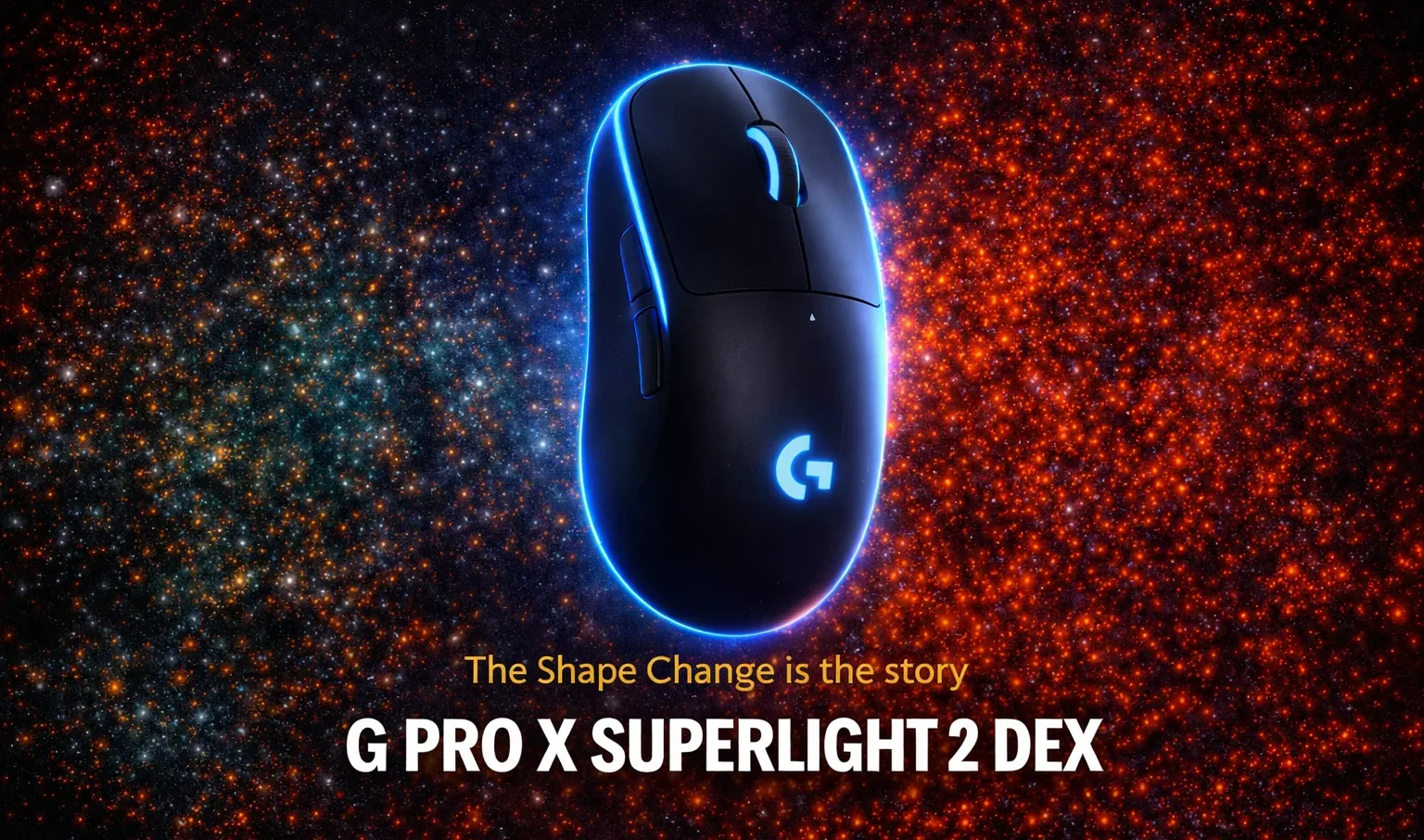
Close. Very close. But a mouse that costs $160 and skips a DPI button is making a statement about what it thinks matters, and you need to decide whether you agree with that statement before handing over your money.
| Category | Details |
|---|---|
| Pros | Exceptional ergonomic shape for right-handers, Hero 2 sensor with zero acceleration or smoothing, 8000Hz wireless polling, 60g weight, 95-hour battery life, LightForce switches with satisfying click feel, USB-C charging |
| Cons | Right-hand only, no DPI button on mouse body, G Hub software still has quirks, $160 price point, no Bluetooth |
| Verdict | BUY |
| Score | 9/10 |
The shape change is the whole story
Look, here is what you actually need to know first. The Superlight 2 DEX is the Superlight 2 with a different body. Same Hero 2 sensor, same 60g weight, same 95-hour battery, same LightForce switches. If you were hoping for a ground-up redesign of the internals, this is not that product.
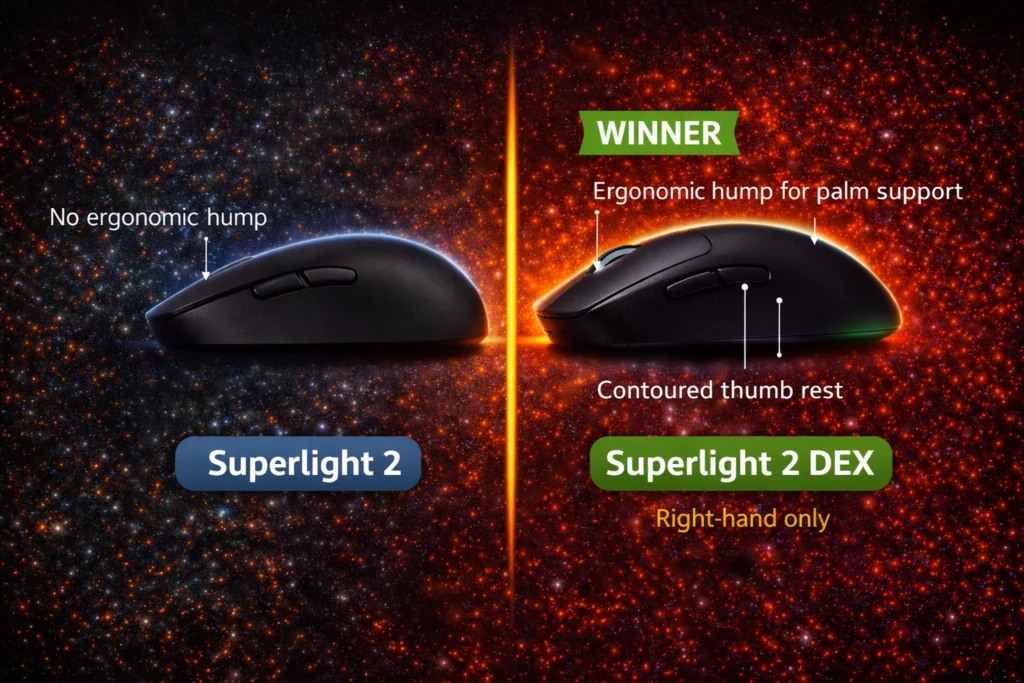
What Logitech changed is the shape, and that change is significant enough to justify the mouse existing as a separate product. The original Superlight 2 is ambidextrous with a symmetrical low-profile form. The DEX adds a pronounced ergonomic hump toward the rear, a more contoured left flank, and a thumb rest position that sits naturally where a right-handed palm grip actually places the thumb. The result is a mouse that no longer asks your hand to adapt to it.
After extended sessions, this differance in hand positioning becomes the primary thing you think about. The original Superlight 2 is competent. The DEX is comfortable. Those are meaningfully different words for a mouse you might use six hours a day.
Sensor and polling rate
The Hero 2 sensor at 44,000 DPI maximum with a firmware update, 888 IPS tracking speed, and 88G acceleration delivers exactly what the spec sheet implies: flawless tracking with no perceptible acceleration, smoothing, or filtering under any gaming condition tested. In fast shooters specifically, crosshair movement feels 1:1 with physical mouse movement in a way that becomes the baseline expectation after you have used it for long enough that going back to a budget sensor feels immediately wrong.
The 8000Hz wireless polling rate over the LIGHTSPEED receiver is the feature that separates this tier from the $80 wireless mice. At 8000Hz, the mouse reports position every 0.125ms. Our polling rate guide covers the practical difference between 1000Hz and 8000Hz in competitive gaming if you want the full picture before deciding whether the upgrade is worth it for your play style. The perceptible benefit in gaming is subtle for most players and more meaningful for competitive players operating at the edge of their aim mechanics. Real talk: if you are not already at a skill level where input latency variations below 1ms affect your performance, you are buying this mouse for the ergonomics and the sensor reputation, not the 8000Hz. Both are valid reasons.
Battery life at 1000Hz polling measures consistently above 90 hours in use. At 8000Hz it drops meaningfully but remains practical for multi-day sessions between charges. The USB-C port on the front of the mouse for charging, positioned to allow wired gaming while charging without cable routing awkwardness, is the right design decision.
What is missing at $160
Here is the problem. A mouse at $160 that skips a physical DPI button is asking you to open G Hub every time you want to change sensitivity on the fly. This matters more than reviews that dismiss it tend to acknowledge.
G Hub has improved over recent years. If you are completing the setup around the DEX, our mouse pad guide covers the surface and size decisions that affect how the mouse glides and how the PTFE feet perform over time. The essential functions including DPI configuration, polling rate adjustment, button remapping, and onboard profile storage work reliably. The software still installs as a background process, still requires an account for cloud sync features, and still feels heavier than it should for what it does. Smaller brands have moved to browser-based or lightweight desktop configurators that do not run persistently. Logitech has not followed.
The absence of Bluetooth is a known and defensible omission. Removing Bluetooth keeps weight down and ensures the LIGHTSPEED wireless connection is the only wireless path, which means no bandwidth sharing. For a dedicated gaming mouse, this is the right call. The lack of a DPI button is less defensible. It is a small physical addition that Logitech chose not to make, and players who use sensitivity shifts during gameplay will feel that choice every session.
Vs the competition at this price
The Razer Viper V3 Pro sits at a similar price with comparable sensor performance and an ergonomic right-handed shape. The click feel on the Viper V3 Pro is different, lighter and more optical in character. Players who prefer audible, tactile confirmation from their main buttons tend to favor the DEX. Players who want the fastest possible click registration lean toward optical switches.
The Razer DeathAdder V3 Pro is the other direct comparison. Slightly heavier, different hump position, different grip accommodation. The DEX fits palm and claw grip players better. The DeathAdder V3 Pro accommodates fingertip grip more naturally. Neither is wrong. They are genuinly different ergonomic choices that produce different experiences in extended use.
For the player who is currently on a mid-range wireless mouse in the $60 to $90 range and is wondering whether the jump to $160 is justified: yes, but primarily for the ergonomics and the sensor combined. If you are already on a current flagship wireless mouse with a shape you are satisfied with, the DEX does not offer a functional reason to switch unless the ergonomic shape is specifically what you have been missing.
The verdict
The Superlight 2 DEX is the mouse Logitech should have made for right-handed players two product generations ago. The ergonomic shape addresses the primary criticism of the symmetrical Superlight line, the sensor and polling rate sit at the current ceiling of wireless gaming mouse technology, and the build quality at 60g with no chassis flex or rattle represents genuine engineering discipline.
The DPI button omission and G Hub dependency are real friction points. At $160, the expectation is that every decision is intentional and considered. The no-DPI-button choice is intentional.If you are building out the full peripheral setup alongside this mouse, our keyboard guide covers the best mechanical options at budget prices that pair well with a flagship mouse. Whether you consider it considered depends on whether you use sensitivity shifts in gameplay.
Buy it if you are a right-handed palm or claw grip player who wants the best ergonomic wireless mouse available at this price. Skip it if you heavily rely on physical DPI switching or if left-handed use is a requirement.













Join the Discussion