
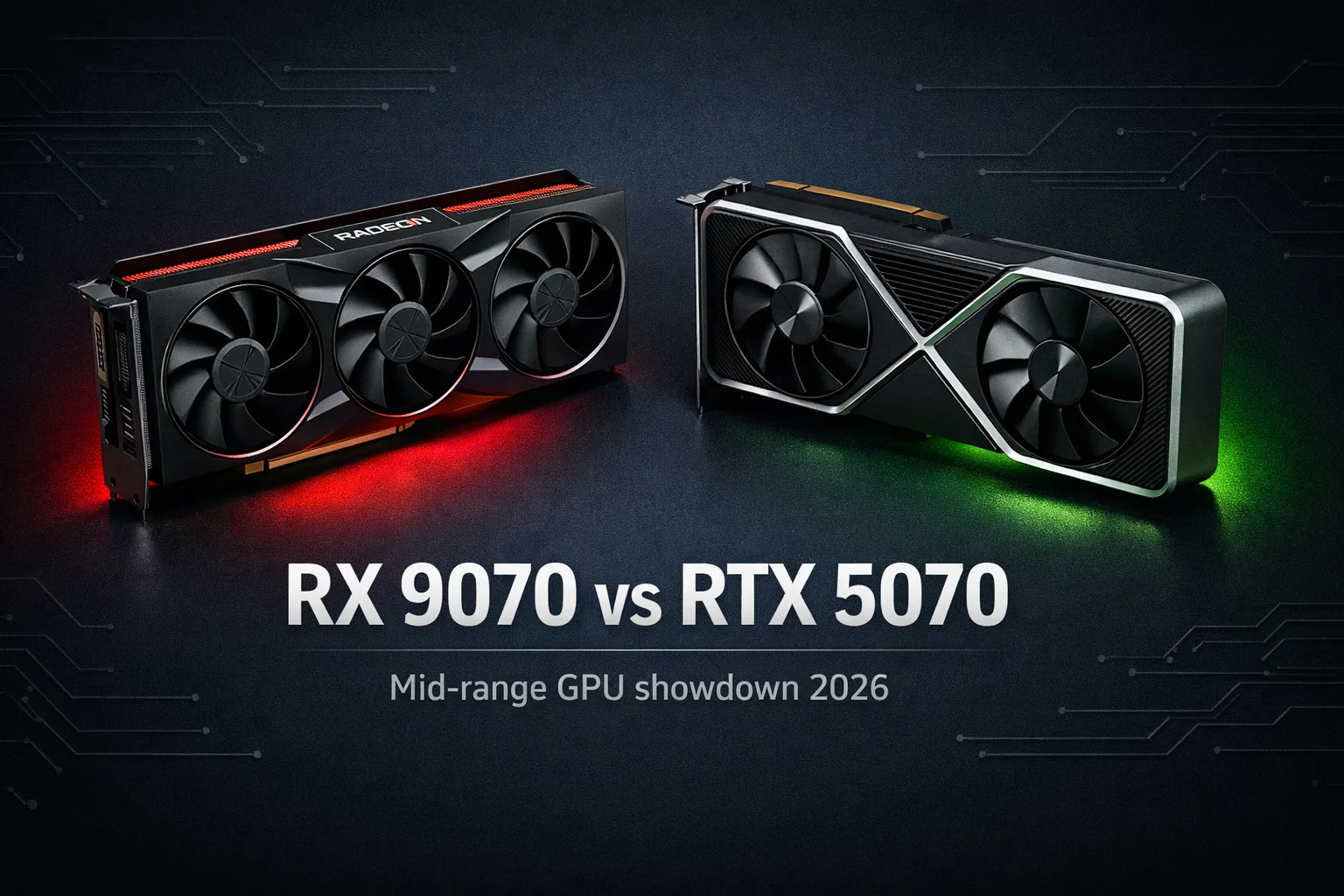
The RX 9070 vs RTX 5070 matchup is the most interesting mid-range GPU competition in years. AMD has closed gaps that stayed wide for two full product generations, and the decision between these two cards is genuinely close in a way that the 7800 XT versus RTX 4070 never was. Here is what the data shows and where each card earns your money.
Specs head-to-head
The RX 9070 ships with 16GB of GDDR6 on a 256-bit memory bus. The RTX 5070 ships with 12GB of GDDR7 on a narrower 192-bit bus. That VRAM gap is real and the debate around it is louder than the practical impact currently warrants, but it matters more at 4K and in VRAM-heavy workloads than it does at 1440p on standard settings.
The RTX 5070 runs at a 250W TDP. The RX 9070 draws more power, around 220W at typical gaming load, though peak figures vary. Neither card is a space heater at these wattages, but the RTX 5070 has a measurable efficiency advantage per frame in rasterization workloads. For the full wattage calculation including both cards’ power requirements alongside a modern CPU, our PSU guide covers the math for this GPU tier. For most builders this is the sweet spot to evaluate: which card delivers more gaming performance per watt at the same price.
Both cards are current-generation architecture. The RTX 5070 uses NVIDIA’s Blackwell, the RX 9070 uses AMD’s RDNA 4. Both represent genuine generational leaps over their predecessors in rasterization performance.
Rasterization performance
Here is where it gets interesting. At 1440p and 4K rasterization, the RX 9070 leads the RTX 5070 by 0 to 18% depending on the game, with most results landing in the 5 to 14% range in the RX 9070’s favor. This is not a marginal advantage on paper that disappears in practice. Across a broad game library at 1440p and 4K, AMD’s card consistently delivers more native frames.
The GamersNexus suite placed the RX 9070 ahead of the RTX 5070 in the majority of rasterization titles tested at 4K, with the RTX 5070 winning only in specific titles like Final Fantasy. TechSpot’s updated testing with latest drivers showed similar results, though the gaps narrowed slightly after NVIDIA driver updates.
At 1080p, the difference compresses. The RTX 5070’s DLSS 4 Multi Frame Generation becomes more of a practical equalizer at this resolution because frame rates are already high enough that native rendering is less the bottleneck. For 1080p gaming, the native rasterization gap matters less and the feature set matters more.
The honest summary on rasterization: the RX 9070 is the faster card for native frame rates at 1440p and 4K. If you game primarily at native resolution without upscaling, AMD wins this section.
Ray tracing comparison
Ray tracing is where the story changes. NVIDIA maintains a meaningful advantage in ray tracing performance that AMD has narrowed with RDNA 4 but has not eliminated. In heavy ray tracing workloads like Black Myth: Wukong with RT enabled, the RTX 5070 leads by a significant margin. In lighter mixed-load ray tracing titles, the RX 9070 is now competitive in a way its predecessors were not.
The practical impact depends on how you use ray tracing. If you enable ray tracing globally in every game that supports it, the RTX 5070 provides a noticeably smoother experience in demanding RT titles. If you selectively enable RT in games where AMD performs competitively, the gap narrows considerably.
For builders who do not use ray tracing at all and play rasterization-heavy games, this section is largely irrelevant to the purchase decision. For builders where ray tracing is a priority, the RTX 5070 is the better card.
FSR 4 vs DLSS 4.5
This is the conversation that did not exist two product generations ago. FSR 4 is AMD’s first machine-learning upscaler, exclusive to RDNA 4 GPUs including the RX 9070. It produces output quality that is genuinely close to DLSS quality mode in most games, with a softer presentation than DLSS 4.5 but without the ghosting artifacts that plagued earlier FSR versions.
DLSS 4.5 with its second-generation transformer model is still the better upscaler. A ComputerBase blind test with over 6,700 votes across six games showed DLSS 4.5 winning every title, with FSR 4 scoring around 15% of total preference votes versus DLSS’s 48%. The DLSS image is sharper, more detailed in fine geometry, and more temporally stable particularly in foliage and disocclusion scenarios.
The practical gap is smaller than the voting margin suggests. In several games, FSR 4 and DLSS 4.5 produce outputs that are genuinly difficult to distinguish at typical viewing distances. The gap is most noticeable in demanding scenes with heavy foliage, fine geometry, or fast motion. In many competitive games and less visually complex titles, both upscalers produce comparable practical results.
DLSS 4 Multi Frame Generation, available on the RTX 5070, also remains the superior frame generation solution. It generates up to three frames per rendered frame versus FSR 4’s one frame. For builders where displayed frame rate is the priority over input latency considerations, this advantage is real. Frame generation does not reduce input latency, but it does increase the visual smoothness number significantly. Our frame generation guide covers exactly what the distinction between displayed FPS and input latency means in practice, which matters for how you use this feature.
Don’t overpay for frame generation if you primarily play competitive titles at high frame rates where input response matters more than displayed frame count. At that point, native rasterization performance matters more.
Price and availability reality
Both cards launched at $549 MSRP. Neither has consistently sold at MSRP in 2025 or early 2026.
Street prices have varied by region and timing, with the RTX 5070 generally sitting closer to MSRP in the US at around $550 to $600, while the RX 9070 has shown more pricing inconsistency, ranging from MSRP to significantly above it depending on availability waves. In some regions, the RX 9070 has sold at a premium over the RTX 5070, which significantly changes the value calculation.
I’ve seen people recomend the RX 9070 at any price as though raw rasterization performance is the only variable. At MSRP parity, the RX 9070 is the stronger value for native gaming. At a $50 to $100 premium over the RTX 5070’s street price, the calculation shifts meaningfully toward NVIDIA because the rasterization lead does not justify that size of premium when DLSS 4.5 and Multi Frame Generation close the practical gaming experience gap.
At this budget, your best move is to check current street prices in your region before committing to either card. The spec sheet comparison favors AMD at native resolution. The real-world purchase decision depends on which card is actually available at or near MSRP when you are buying.
Which one to buy
For 1440p and 4K native gaming where upscaling is not a priority and ray tracing usage is light to none: the RX 9070 wins when available at MSRP. More native frames, more VRAM for future headroom.
For builders who use ray tracing regularly, want the best upscaling quality, or play a library where DLSS support is broader: the RTX 5070 is the better fit. The AI feature set genuinely matters more than the raw FPS gap once upscaling is in the picture.
For any build where you encounter the RTX 5070 at MSRP and the RX 9070 significantly above it: buy the RTX 5070. The rasterization gap between these cards is not large enough to justify paying a meaningful premium for the AMD option.
The right choice depends on one thing: what is on the shelf at actual prices when you are ready to buy.










Join the Discussion