
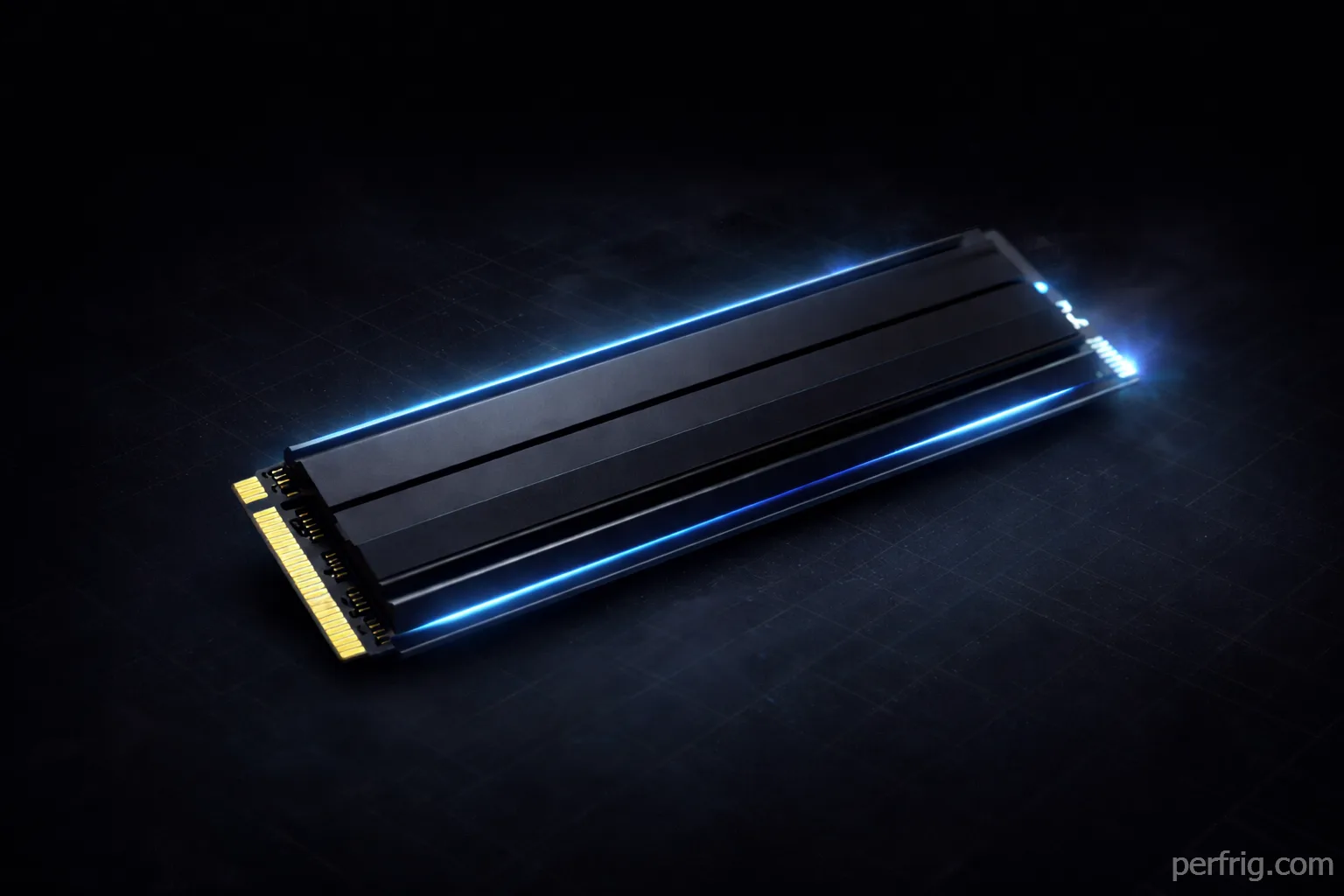
Storage matters more for gaming in 2026 than ever before. Windows 11’s DirectStorage API lets games leverage NVMe speed directly, cutting load times dramatically. Game install sizes keep growing—Call of Duty alone demands 250GB—and the difference between budget and premium drives can mean 30-second loads versus near-instant gameplay.
Most gamers waste money buying unnecessarily fast drives or bottleneck systems with outdated SATA SSDs. This guide explains which SSD specifications actually matter for gaming and recommends the best drives across every budget tier.
Understanding NVMe generations and speed
NVMe SSDs connect through M.2 slots using PCIe lanes. Gen 3 drives max out around 3,500 MB/s, Gen 4 reaches 7,000 MB/s, and Gen 5 hits 12,000+ MB/s. Those numbers sound impressive, but sequential speeds matter least for gaming.
Games load thousands of small files randomly scattered across drives rather than reading one giant file. Random 4K read performance matters far more, and Gen 3, Gen 4, and Gen 5 drives often show minimal differences in actual game loading.
DirectStorage changes this somewhat. Microsoft’s DirectStorage API in Windows 11 lets games decompress assets using your GPU, bypassing system memory. Games using DirectStorage load noticeably faster on Gen 4+ drives. The problem? Only a handful of games currently support it—Forspoken, Ratchet & Clank: Rift Apart, and a few others.
The practical takeaway: Gen 4 NVMe drives hit the sweet spot.

They’re fast enough to maximize DirectStorage benefits, cost significantly less than Gen 5, and run cooler. Gen 3 drives still work fine, but prices have dropped so little that Gen 4 makes more sense.
DRAM cache and controller quality
DRAM cache acts as a high-speed buffer maintaining consistent performance under heavy workloads. DRAM-less drives slow down dramatically when writing large files. For gaming, DRAM cache matters during installations, updates, and recording gameplay.
A DRAM-equipped drive maintains 2-3 GB/s write speeds consistently, while DRAM-less drives might drop to 200-400 MB/s after the SLC cache fills. This means a 100GB game install takes 50 seconds versus 5+ minutes.

Controller quality determines performance longevity. Premium controllers from Phison, Samsung, or Western Digital maintain performance over time with better endurance. Budget controllers often show degradation after a year.
The buying advice: prioritize DRAM cache on your primary gaming drive. Secondary storage for archiving can use cheaper DRAM-less drives. Check for Phison E18/E26, Samsung Elpis, or WD controllers for reliable performance.
Capacity recommendations for modern gaming
500GB drives should be avoided entirely in 2026. Windows 11 takes 30-40GB, a couple AAA games consume 200GB easily, and you’re left with no room for updates or new games. The constant shuffle of uninstalling and reinstalling games wastes time and wears out your SSD unnecessarily.
1TB represents the absolute minimum for a gaming PC. You can keep Windows, essential software, and 3-5 current games installed comfortably. Budget builds can start here, but be prepared to manage storage aggressively as your game library grows.
2TB hits the sweet spot for most gamers. The price per gigabyte improves significanly over 1TB drives—often just $30-50 more for double the capacity. You can maintain 8-12 games installed simultaneously, have room for Windows and productivity software, and not worry about constantly juggling storage. Price-to-capacity ratio makes 2TB the smartest choice for new builds.

4TB makes sense if you play many games simultaneously, create content, or simply hate managing storage. Prices have dropped enough that 4TB Gen 4 drives cost $250-350, delivering incredible value per gigabyte. For content creators recording gameplay or anyone maintaining large mod libraries, 4TB eliminates storage anxiety entirely.
DirectStorage and gaming performance
DirectStorage fundamentally changes how games load assets. Traditional loading involves CPU reading compressed assets, decompressing in RAM, then sending to GPU. DirectStorage bypasses this—compressed assets stream from SSD directly to GPU memory, decompression happens on GPU, and loading completes without involving system RAM.
In Forspoken, this cuts fast travel loading from 10-15 seconds on Gen 3 drives to 2-3 seconds on Gen 4.

The catch is adoption remains limited. Most current games still use traditional loading, making DirectStorage benefits theoretical.
For buying decisions, Gen 4 drives future-proof your system while providing excellent performance today. Gen 5 drives cost 2-3x more for minimal additional benefit—DirectStorage can’t fully utilize 12,000 MB/s speeds yet.
Best SSDs by budget tier
Budget tier: 1TB Gen 3 ($60-80)
Western Digital Blue SN580 ($65-75 for 1TB) The SN580 uses QLC NAND but includes DRAM cache and a capable controller. Performance hits 3,500 MB/s sequential and maintains decent random performance. It’s perfect for secondary storage or extreme budget builds where Gen 4 pricing stretches the budget too far.
TeamGroup MP33 ($60-70 for 1TB) DRAM-less but uses quality TLC NAND and a reasonable Phison controller. Good for archival storage but avoid for primary gaming drives where you install and update games frequently. The performance drop after SLC cache fills becomes annoying during large game downloads.
Sweet spot: 2TB Gen 4 ($100-150)
Kingston KC3000 ($110-130 for 2TB) Outstanding all-around performer using Phison E18 controller with DRAM cache. Reaches 7,000 MB/s sequential speeds and maintains consistent performance under load. Excellent endurance rating of 1,600 TBW for the 2TB model means this drive will outlast your PC’s useful life. Runs relatively cool without requiring heatsinks on most motherboards.
WD Black SN850X ($120-140 for 2TB) Western Digital’s gaming-focused drive with excellent random 4K performance that matters more for actual game loading than sequential speeds. Includes a capable heatsink on most models, important for sustained performance. DirectStorage performs excellently on this drive in supported games.
Crucial P5 Plus ($100-120 for 2TB) Best value in this category, often on sale for under $110. Uses Micron’s own NAND and controller, delivering solid 6,600 MB/s speeds with good random performance. DRAM cache keeps performance consistent, and Crucial’s reputation for reliability makes this a safe choice.
High-end: 2TB Gen 4 Premium ($150-200)
Samsung 990 Pro ($160-190 for 2TB) Samsung’s flagship using their Elpis controller and TLC V-NAND delivers class-leading random performance and exceptional consistency. The 990 Pro maintains peak speeds even when the drive fills up, unlike budget options that slow down significantly past 70% capacity. For power users juggling multiple games, heavy mods, or content creation alongside gaming, the premium makes sense.
Corsair MP600 Pro XT ($150-180 for 2TB) Includes a substantial heatsink and uses high-quality Phison E18 components. Excellent for small form factor builds where airflow is limited, as the heatsink prevents thermal throttling under sustained loads. Performance matches the 990 Pro in most scenarios while costing slightly less.
Future-proofing: 4TB Gen 4 ($250-350)
WD Black SN850X 4TB ($280-320) The capacity king that eliminates storage management entirely. Same excellent performance as the 2TB model with double the space. Price per gigabyte drops to around $0.07-0.08, making this surprisingly good value if you can afford the upfront cost.
Crucial P5 Plus 4TB ($250-280) Best value in high-capacity drives, often found under $270. Maintains the same solid performance as smaller capacities with massive room for your entire game library plus content creation files.
PS5 expansion storage
PS5 requires Gen 4 drives with heatsinks meeting Sony’s specifications and minimum 5,500 MB/s speeds. WD Black SN850X (with heatsink, $120-140 for 1TB) perfectly fits PS5 requirements with excellent performance. Samsung 990 Pro (with heatsink, $130-160 for 1TB) delivers slightly better random performance, though differences are minimal in actual PS5 usage.
Common buying mistakes
Buying Gen 5 drives for gaming wastes money—current games can’t utilize 12,000 MB/s speeds, and Gen 5 costs 2-3x more than Gen 4 while delivering identical gaming performance.
Choosing DRAM-less drives for primary storage creates frustration. The $15 saved means painful slowdowns during game installs that waste far more time than money saved.
Undersizing capacity forces constant storage management. The $30 difference between 1TB and 2TB disappears when you’re constantly uninstalling games, and smaller drives wear out faster from increased write cycles.
Ignoring thermal management causes throttling. Gen 4 drives generate significant heat, and throttling cuts speeds by 50%+. Use motherboard heatsinks, especially in compact cases.
Installation and optimization tips
Install your primary drive in the motherboard’s first M.2 slot (usually M2_1 or M2A) for full Gen 4 x4 bandwidth. Pairing your NVMe drive with a capable CPU ensures balanced system performance—our CPU buying guide helps you choose processors that won’t bottleneck your storage speed. Secondary slots often share lanes with SATA ports, potentially reducing performance. Choosing motherboards with multiple Gen 4 M.2 slots provides expansion flexibility for future storage upgrades without performance compromises.
Enable Resizable BAR in BIOS if supported—this improves DirectStorage performance by letting your GPU access the full drive directly. Most systems from 2020 onward support it with BIOS updates.
Don’t use defragmentation or optimization tools. Windows 11 handles NVMe optimization automatically through TRIM commands. Third-party software often wears drives unnecessarily.
Monitor drive health using manufacturer tools like Samsung Magician or Western Digital Dashboard to track wear and catch issues before failures occur.
The bottom line
For most gamers in 2026, a 2TB Gen 4 NVMe drive hits the sweet spot. The Kingston KC3000 or Crucial P5 Plus at $100-120 delivers everything you need—fast loading, DirectStorage support, plenty of capacity, and reliability.

If budget allows, the Samsung 990 Pro or WD Black SN850X provide premium performance for $50-70 more. The consistency and better random performance make daily usage noticeably smoother.
Skip Gen 5 drives entirely unless prices drop to Gen 4 levels. The performance gains don’t justify the premium, and Gen 4 already maxes out what current games utilize.
Storage shortages haven’t hit SSDs as hard as RAM, but prices have stabilized. If you find drives at these prices, buy immediately—your gaming experience improves more from sufficient fast storage than almost any other component upgrade at similar cost. Combining fast NVMe storage with proper system optimization maximizes gaming performance across all scenarios.













Join the Discussion