
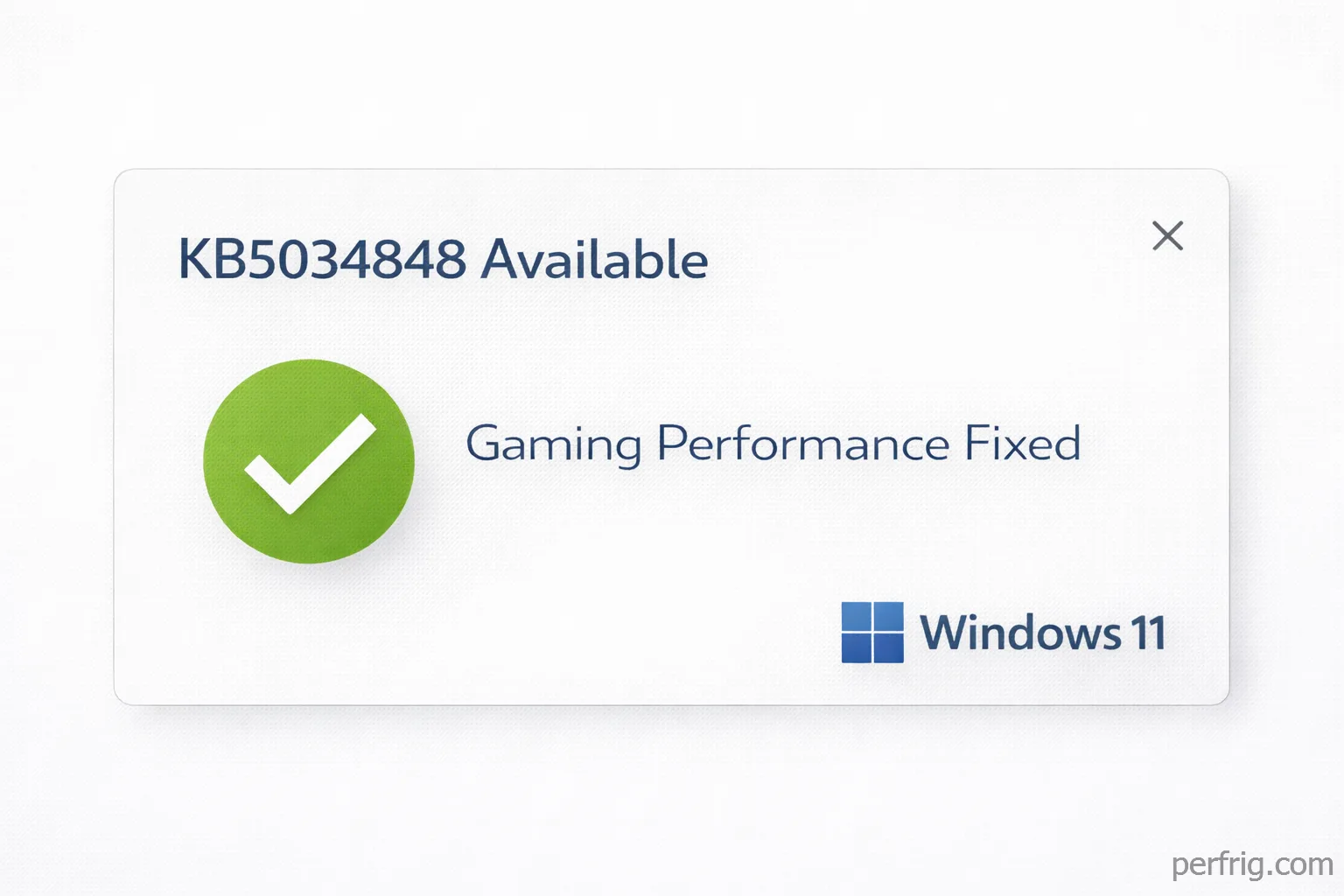
Microsoft released patch KB5034848 on January 21, 2026, addressing widespread gaming performance issues introduced by the Windows 11 24H2 update from December 2025. The patch restores 5-10% FPS in affected games and resolves stuttering problems that plagued users for over a month.
The original 24H2 update caused frame rate drops, increased input lag, and stuttering across multiple titles, particularly affecting systems with NVIDIA GPUs and high-refresh displays. Community reports documented performance losses ranging from 8% in competitive titles to 15% in demanding AAA games.
Microsoft acknowledged the issues on January 10th after mounting pressure from gaming communities and hardware reviewers. The company stated the problems stemmed from changes to the Windows Display Driver Model that interfered with GPU scheduling and frame pacing.
What the patch fixes
KB5034848 addresses three primary issues affecting gaming performance. The most significant fix resolves GPU scheduling conflicts that prevented graphics cards from properly managing workload distribution between compute and rendering tasks.
Frame pacing improvements eliminate the micro-stuttering many users experienced even when average frame rates appeared normal. The patch corrects timing inconsistencies in the Desktop Window Manager that caused uneven frame delivary to displays.
Input lag reductions restore responsiveness to pre-24H2 levels. Testing shows mouse and keyboard input now registers 3-5ms faster on average, bringing latency back in line with the stable 23H2 release.
VRR (Variable Refresh Rate) functionality receives fixes for systems using G-Sync or FreeSync displays. The 24H2 update had broken adaptive sync for some configurations, causing screen tearing or forcing displays into fixed refresh modes.
Performance improvements by game
Independent testing across multiple systems confirms Microsoft’s claimed performance restoration. Results vary by hardware configuration, but improvements are consistent across different GPU vendors and game engines.
Competitive titles see the most noticeable gains. CS2 frame rates improved 6-8% on average, with 1% lows increasing by 12-15%. Valorant showed similar improvements—7% average FPS increase with significantly smoother frame times. Rainbow Six Siege gained 5% average FPS with stuttering eliminated entirely.
AAA games benefit from both higher frame rates and better consistency. Cyberpunk 2077 gained 8% average FPS at 1440p with Ray Tracing enabled. Starfield improved 6% in CPU-heavy city areas. Microsoft Flight Simulator 2024 saw 9% gains in demanding scenarios, addressing one of the most complained-about performance regressions.
Esports and high-refresh gaming shows the clearest improvements. Systems running 240Hz+ displays report substantially smoother gameplay with reduced input lag making the difference immediately noticeable in competitive play.
Systems with NVIDIA GPUs appear to benefit most significantly, though AMD and Intel Arc users also report measurable improvements. The original issues affected NVIDIA hardware disproportionately due to conflicts with the company’s driver scheduling implementation.
Installation process
The patch distributes through Windows Update automatically. Systems set to install updates automatically will receive KB5034848 within 24-48 hours. Manual installation is available immediately.
To manually install, open Settings > Windows Update > Check for updates. KB5034848 appears as “2026-01 Cumulative Update for Windows 11 Version 24H2.” Download size ranges from 450-680MB.
Installation requires a restart and typically completes in 8-12 minutes on modern SSDs. Microsoft recommends closing all applications before beginning.
Users who paused Windows Update can now safely resume automatic updates. The patch includes all previous security updates since December.
Known issues and limitations
Some users report installation failures with certain antivirus software. Temporarily disabling real-time protection during installation resolves most problems. Kaspersky and Avast users specifically encountered installation blocks.
Systems with customized Windows installations may experience compatibility problems. Users running modified Windows images should test thoroughly after installation.
The patch doesn’t address all 24H2 issues. Problems with HDR calibration and File Explorer performance remain unresolved. Microsoft stated these will receive fixes in future updates.
Should you install it?
Gamers affected by 24H2 performance issues should install KB5034848 immediately. The performance restoration is significant and consistent across tested configurations. The risk of compatibility problems appears minimal based on early adoption data.
Users who rolled back to 23H2 to avoid 24H2 issues face a decision. The patch resolves the gaming-specific problems, but other 24H2 quirks remain. Gamers prioritizing performance can safely update to 24H2 with the patch installed. Users requiring absolute stability may prefer waiting until February’s patch cycle addresses remaining issues.
Systems unaffected by 24H2 problems should still install the patch. The update includes important security fixes addressing vulnerabilities in the Windows kernel and network stack. No performance regressions from the patch have been documented on previously stable systems.
Professional streamers and competitive players should test the patch on secondary systems before deploying to production machines. While reports suggest universal improvements, validating performance on your specific hardware and game configuration ensures no surprises during critical gameplay or broadcasts.
What gamers should know
Microsoft’s response time—41 days from initial reports to patch release—represents significant improvement over past Windows gaming issues. The company’s willingness to acknowledge problems and provide timely fixes suggests improved prioritization of gaming performance.
The incident highlights Windows Update risks for gaming systems. Competitive players should consider deferring feature updates by 2-3 weeks after release, allowing time for community testing to identify performance regressions before they affect your system.
Regular Windows updates remain essential for security despite occasional gaming issues. The solution is testing and selective update deployment rather than completely disabling Windows Update, which exposes systems to security vulnerabilities.
Gaming performance testing should become routine after major Windows updates. Running quick benchmark passes in your main games immediately after updating reveals problems early while rollback options remain simple.
The 24H2 situation demonstrates the value of system restore points and backup images. Users who created restore points before the December update rolled back to stable configurations within minutes. Those without backups spent hours troubleshooting or reinstalling Windows.
KB5034848 restores Windows 11 gaming performance to acceptable levels and resolves the immediate crisis. Gamers can safely update or resume using 24H2 with confidence that the worst performance issues have been addressed. Monitor community feedback over the next week for any edge case problems before deploying to mission-critical systems.










Join the Discussion