
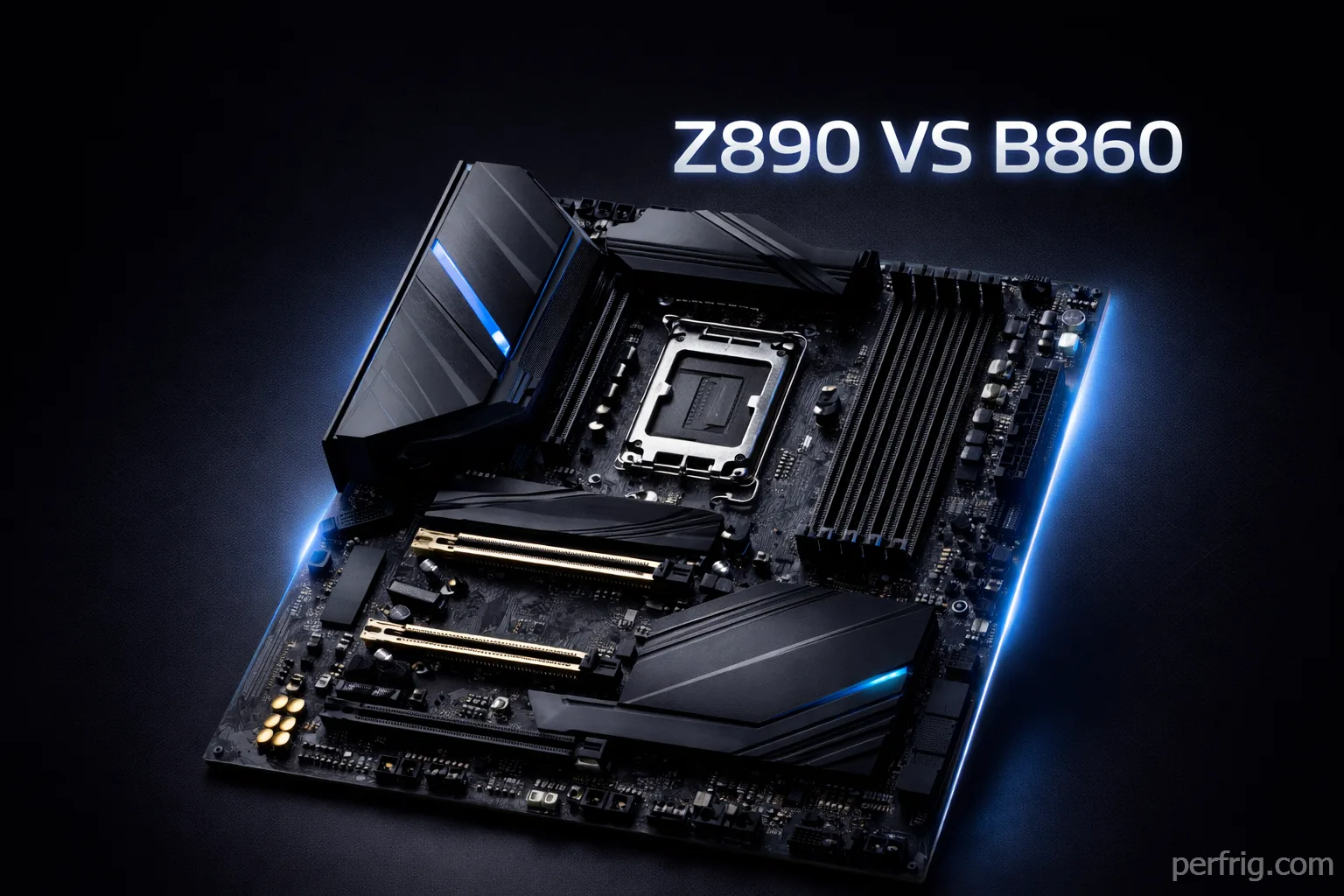
Building an Intel system in 2026 means navigating Arrow Lake’s chipset lineup—Z890, B860, and H810—where marketing names don’t always reflect real-world value. A $400 Z890 board doesn’t automatically deliver better gaming performance than a $180 B860 option, and understanding which features actually matter saves money without sacrificing performance.
After testing Intel motherboards across different price points with Core Ultra 5, 7, and 9 processors, We applied the same rigorous testing methodology used in our AM5 motherboard guide to evaluate Intel’s Arrow Lake platform. The differences between chipset tiers come down to connectivity, expansion options, and VRM quality rather than gaming performance. This guide covers chipset differences and specific motherboard recommendations, with Part 2 diving into detailed feature comparisons and platform considerations.
Understanding Intel chipsets: Z890, B860, H810
The Arrow Lake platform includes three consumer chipsets with confusing naming that doesn’t align with actual capabilities. Z890 isn’t necessarily better than B860 for gaming—they differ in features, not core performance.

Z890 represents Intel’s flagship chipset with full feature unlocking. You get CPU and memory overclocking support, up to 24 PCIe lanes from the chipset, extensive USB connectivity including Thunderbolt 4 or USB4, and support for multiple M.2 drives running at full speed. Z890 boards typically include premium VRM designs handling even the Core Ultra 9 285K under extreme loads.
B860 targets mainstream builds with selective feature cuts that rarely affect gaming. Overclocking remains fully supported for both CPU and memory—a significant change from previous B-series chipsets that locked CPU multipliers. The chipset provides 12 PCIe lanes, adequate USB connectivity, and typically supports 3-4 M.2 slots. VRM quality varies widely by manufacturer, but quality B860 boards handle Core Ultra 7 processors without issue.
H810 sits at the entry level with limited appeal for gaming builds. CPU overclocking is disabled, memory overclocking remains supported but often with lower speed ceilings, and connectivity takes cuts across the board. Unless building an ultra-budget office system, H810 boards make little sense for gamers.
The practical reality: gaming performance differences between Z890 and B860 are negligible. What changes is expansion capability, future upgrade options, and build quality at different price points.
What actually matters for gaming
Several motherboard features significantly impact gaming experience while others function purely as marketing checkboxes. Understanding the difference prevents overspending on capabilities you’ll never use.
VRM quality determines system stability and longevity more than any other factor. A motherboard with inadequate power delivery throttles CPUs during sustained loads, causes crashes during stress testing, and degrades faster over years of use. For Core Ultra 5 and 7 processors, 10-12 power stages suffice. Core Ultra 9 chips benefit from 14-16 stages, especially if you plan any overclocking.
More important than phase count is cooling. A 12-phase VRM with proper heatsinks outperforms a 16-phase design with inadequate cooling. Budget boards fail because overheating VRMs throttle performance, not insufficient phase counts.
PCIe 5.0 implementation varies significantly between boards. All Arrow Lake motherboards include PCIe 5.0 support for the primary GPU slot and at least one M.2 drive, but lane allocation differs. Some B860 boards sacrifice the second M.2 slot to Gen4 speeds, while others maintain Gen5 for both. If you’re keeping your motherboard 4+ years and plan to use Gen5 SSDs, verify the specific implementaion before buying.
Current GPUs see minimal benefit from PCIe 5.0—even the RTX 4090 doesn’t saturate PCIe 4.0 x16 bandwidth. Gen5 matters more for storage where 14GB/s SSDs deliver measurable improvements over Gen4’s 7GB/s in specific workloads.
Memory support on Arrow Lake officially extends to DDR5-6400 but practically reaches DDR5-7200+ with quality boards and proper cooling. For gaming, DDR5-6000 CL30 represents the sweet spot—providing 98% of the performance of DDR5-7200 at 60% of the cost. Higher speeds offer diminishing returns unless you’re chasing benchmark records.
Connectivity requirements vary by user. Most gamers need 8-10 USB ports, one M.2 Gen5 slot, 2-3 M.2 Gen4 slots, and either WiFi or 2.5GbE networking. Z890 boards typically include Thunderbolt 4 or USB4 at 40Gbps, WiFi 7, and 10GbE networking—premium features that justify higher prices only if you actually use them.
Best Intel motherboards by budget
Testing across different price tiers reveals where money is well spent versus wasted on features that don’t affect real-world performance.
Premium choice: ASUS ROG Maximus Z890 Hero ($380-$420)
The ROG Maximus Hero has dominated Intel flagship recommendations for years, and the Z890 version continues that tradition. At $380-$420, it costs less than competing flagship boards while matching or exceeding their capabilities.
The 20+1+2 power stage VRM handles the Core Ultra 9 285K under extreme overclocking without breaking a sweat. During sustained all-core stress testing, VRM temperatures stayed below 68°C—impressive considering some $400+ boards struggle to maintain 75°C. This thermal headroom ensures stability even in poorly ventilated cases.
Connectivity is where the Hero excels. Five M.2 slots all include proper heatsinks, Thunderbolt 4 provides 40Gbps for fast external storage, 10GbE and WiFi 7 cover networking needs, and twelve USB ports on the rear I/O handle extensive peripheral setups. The updated design looks premium without RGB overload.
ASUS BIOS remains among the best in the industry. Overclocking tools are extensive, memory training works reliably with quality DDR5 kits, and stability has improved dramatically from early Arrow Lake launches.
For enthusiasts building around a Core Ultra 9 285K or planning extreme overclocking, this board provides everything needed without the $500+ tax that MSI MEG or Gigabyte Master boards command.
Best overall value: MSI MAG Z890 Tomahawk WiFi ($280-$320)
The MSI Tomahawk represents the mainstream sweet spot—delivering Z890 features at B860+ pricing. At $280-$320, it undercuts competing Z890 boards by $50-$100 while sacrificing little that matters for gaming.
The 16+1+1 power delivery handles any Core Ultra processor you’ll realistically pair with a $300 board. VRM thermals stay reasonable under gaming loads, and the board maintains stability during extended sessions. MSI’s USB4 implementation delivers full 40Gbps bandwidth, though Thunderbolt certification is absent.
Four M.2 slots provide adequate storage expansion for most users. The included heatsinks actually work—Gen5 SSDs maintained proper operating temperatures even under sustained writes. WiFi 7 and 2.5GbE networking future-proof connectivity, though WiFi 7’s benefits won’t materialize until you upgrade routers.
MSI BIOS continues improving. Memory compatibility has strengthened significantly—DDR5-6000 and DDR5-6400 kits boot at XMP speeds without manual tuning more consistently than early Arrow Lake releases. Fan control is intuitive, and overclocking options are comprehensive.
For most builders pairing Core Ultra 5 or 7 processors with RTX 4070-class GPUs, this board hits the performance-per-dollar sweet spot. You’re getting flagship features at mainstream pricing.
Budget champion: Gigabyte B860 Aorus Elite AX ($180-$200)
Budget Intel boards have improved dramatically, and the Gigabyte B860 Aorus Elite AX delivers surprising value at $180-$200. You’re sacrificing some connectivity and premium features, but gaming performance matches more expensive options.
The 14+1+1 power stages handle Core Ultra 5 and Core Ultra 7 processors without issue. Testing with a Core Ultra 7 265K running extended workloads kept VRM temperatures in the low 70s—acceptable for a budget board. You won’t be pushing extreme overclocks on a Core Ultra 9 285K, but most users don’t need that capability anyway.
Three M.2 slots cover typical storage needs, with the primary slot supporting Gen5 speeds. WiFi 7 and 2.5GbE networking match premium boards. The main compromise is rear I/O—you get eight USB ports instead of twelve, and Thunderbolt 4/USB4 is absent. For most gaming setups, eight ports suffice.
Gigabyte’s BIOS has matured significantly. Memory compatibility improved with recent updates, and DDR5-6000 kits boot reliably at XMP speeds. The interface isn’t as polished as ASUS or MSI, but functionality is solid.
For builders on tight budgets pairing Core Ultra 5 processors with mid-range GPUs, this board delivers essential features without wasting money on capabilities you won’t use.
Mini-ITX option: ASRock Z890I Lightning WiFi ($260-$280)
Small form factor Intel builds finally have affordable options in the ASRock Z890I Lightning. At $260-$280, it’s the most accessible Mini-ITX Z890 board without heavy feature compromises.
The compact design packs impressive connectivity: three M.2 slots (two front, one rear), WiFi 7, Thunderbolt 4, and adequate rear I/O for ITX constraints. The 12+1+1 power delivery handles Core Ultra 7 processors, though pairing with Core Ultra 9 285K requires excellent case ventilation.
Thermals present the main ITX challenge. In a compact case with decent airflow, VRM temps stayed below 78°C under gaming loads. The rear M.2 slot can run warm in restricted airflow scenarios—monitor temperatures if using high-performance Gen5 drives.
For compact gaming builds or HTPC setups running Core Ultra 5 or 7 processors, this board delivers ITX convenience without the typical $350+ ITX premium.
What’s next in Part 2
Part 2 of this guide covers detailed Z890 vs B860 feature comparisons, CPU pairing recommendations for different use cases, Arrow Lake platform considerations including memory and cooling requirements, and Intel vs AMD platform comparison. We’ll also dive into which specific features justify premium pricing and provide final buying recommendations based on your budget and CPU choice.
Understanding the motherboard recommendations in Part 1 combined with the detailed analysis in Part 2 ensures you choose the right board for your Intel Arrow Lake build without overspending on features that don’t affect your gaming experience.










Join the Discussion