
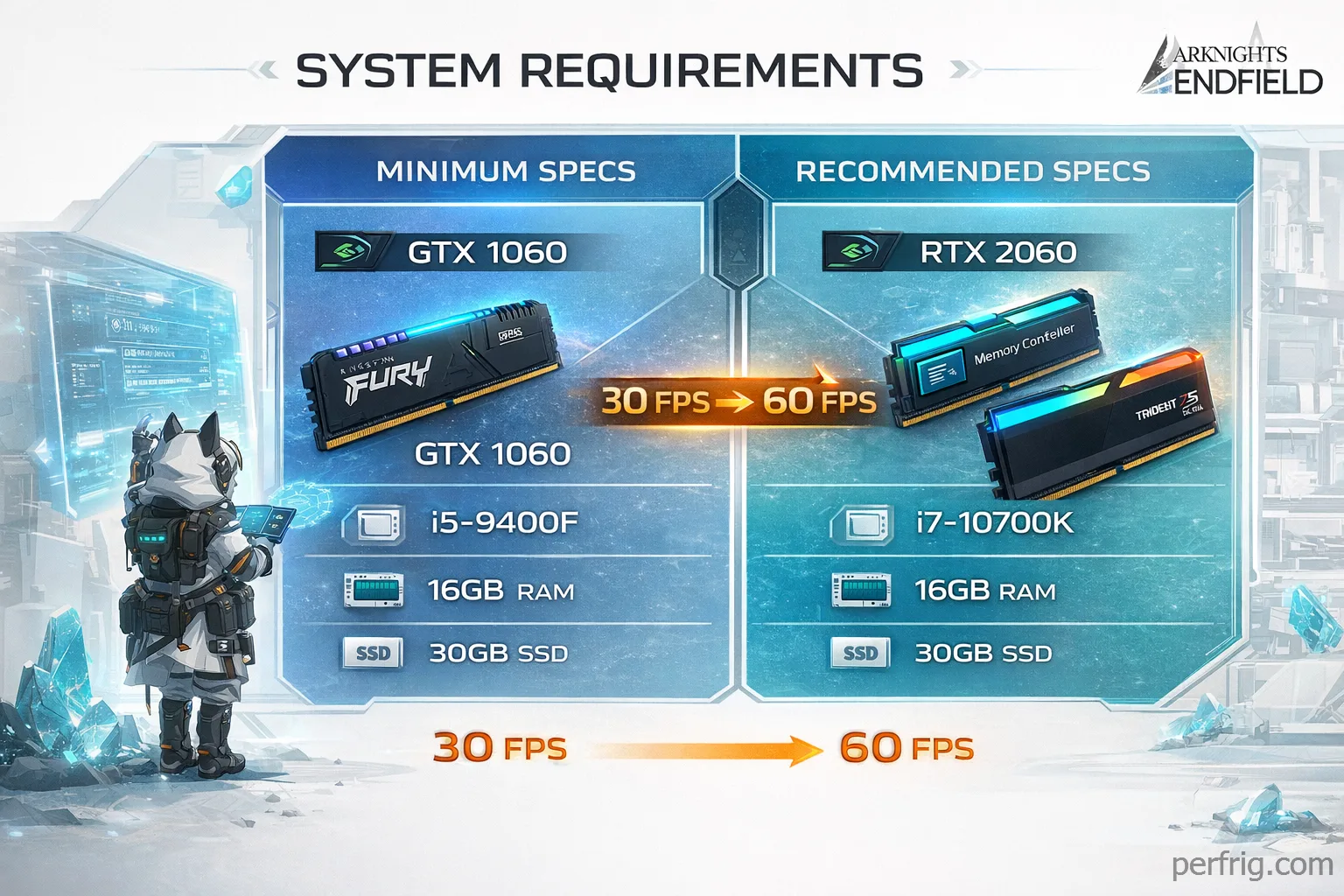
Arknights: Endfield runs on Unreal Engine 5, which usually means one thing for PC players: panic. But here’s the thing: Hypergryph did something unusual with this one. The actual requirements are reasonable. You don’t need a high-end rig. You don’t need to upgrade your CPU. What you do need is an SSD and at least 16GB of RAM, and those two are non-negotiable.
This guide breaks down exactly what the game needs, what delivers a good experience, and where your PC falls in the picture.
The official specs
Minimum (1080p, 30 FPS, low settings):
| Component | Minimum |
|---|---|
| OS | Windows 10 64-bit |
| CPU | Intel Core i5-9400F or AMD equivalent |
| RAM | 16GB |
| GPU | NVIDIA GTX 1060 6GB or AMD RX 580 |
| Storage | 50GB SSD + 40GB temp during install |
Recommended (1080p, 60 FPS, medium-high settings):
| Component | Recommended |
|---|---|
| CPU | Intel Core i7-10700K or AMD Ryzen 7 3700X |
| RAM | 32GB |
| GPU | NVIDIA RTX 2060 Super or AMD RX 5600 XT |
| Storage | 50GB SSD |
The minimum GPU is a GTX 1060 6GB, a card from 2016 that still ranks among Steam’s most-used hardware. If you built or upgraded your PC any time after 2019, you’re likely above minimum specs already.
What the specs actually mean in practice
The CPU requirements are forgiving. An i5-9400F is a six-core chip from 2019. If you’re running anything from Intel’s 8th generation onward, or AMD Ryzen 2000 series or newer, you’re good. The game doesn’t hammer the CPU during normal play. You’ll only feel CPU pressure during complex factory automation sequences with many machines running simultaneously.
The GPU requirement is where most players will land comfortably. A GTX 1060 6GB or RX 580 handles 1080p at 30 FPS on low settings. Playable but not ideal. For a smooth 60 FPS experience at medium-to-high settings, you want something closer to the RTX 2060 Super tier or above.
RAM is where older systems might struggle. Many budget PCs still run 8GB. The game will technically launch on 8GB, but expect stuttering and crashes during intensive sequences. 16GB is the real minimum. The recomended 32GB is honestly excessive for most players. Community testing shows 16GB handles 1080p and even 1440p without issues. Spend that RAM budget on a better GPU instead.
Storage is binary: SSD or bad experience. The game streams assets continuously as you explore. On a mechanical hard drive, every region transition becomes a noticeable pause. Any SSD (even a basic SATA drive) solves this completely. An NVMe drive is slightly faster but not required.
Where your PC sits
Below minimum (GTX 1060 or older, 8GB RAM): The game will run, but expect compromises. Upgrade RAM to 16GB first. It’s the cheapest fix and the most impactful. A GPU upgrade to something like an RTX 3060 or RX 6600 transforms the experience dramatically.
At minimum (GTX 1060 6GB, 16GB RAM, SSD): You’re looking at 1080p on low-to-medium settings at 30-45 FPS. Factory areas and simple exploration run fine. Heavy combat with multiple operators and particle effects will dip. Playable, but you’ll feel the ceiling.
At recommended (RTX 2060 Super or equivalent, 16GB RAM, SSD): Solid 1080p at 60 FPS on high settings. 1440p at medium settings is achievable. This is the sweet spot for most players: good visuals, smooth performance, no frustration.
Above recommended (RTX 3070 or better, 32GB RAM, NVMe SSD): 1440p maxed or 4K at high settings with DLSS enabled. Frame rates stay high even during the most demanding combat sequences. If you’re already here, the game won’t ask anything more from you.
The SSD requirement: why it matters more than the GPU matters more than the GPU
I’ve seen people skip the SSD and regret it immeditaly. This is the one spec you should not compromise on.
Arknights: Endfield uses a semi-open world design where assets load continuously as you move through environments. On a mechanical drive, you’ll see texture pop-in, stuttering during area transitions, and loading pauses that break immersion entirely. The game explicitly requires an SSD. Not as a suggestion, as a hard requirement.
A basic 500GB SATA SSD costs under $40. It also speeds up every other game you own. If your PC is still running games off a hard drive, this is the upgrade to make first, before anything else.
GPU upgrade priority
If you’re looking to upgrade specifically for this game, here’s where to focus your budget:
Under $200: An RTX 3060 or RX 6600 puts you comfortably above recommended specs. Both handle 1080p maxed and 1440p medium without issues. Best value entry point.
$200-$350: RTX 3070 or RX 6700 XT territory. Clean 1440p at high settings, smooth performance across all content including the most demanding factory and combat sequences.
Above $350: RTX 4070 and above. You’re future-proofing at this point. The game doesn’t need it, but your broader library will benefit.
Don’t overpay for specs you won’t use. If your current GPU is a GTX 1070 or RX 580, you actauly have more options than you think. Drop settings and use DLSS or FSR, and you’ll hit 60 FPS at 1080p without spending anything.
The install size
Plan for 90GB of free space during installation: 50GB for the final game plus 40GB used temporarily during unpacking. After installation completes, that temporary space is freed. Make sure your SSD has headroom before you start.
The game also requires a constant internet connection. This is an online-only title. You cannot play offline.
Bottom line
For most PC gamers with hardware from 2019 onward, Arknights: Endfield runs without issues. The GTX 1060 minimum is genuinely accessible, the CPU bar is low, and the main hard requirements (SSD and 16GB RAM) are reasonable asks in 2026.
If you’re unsure whether your system qualifies: check your GPU against the GTX 1060 first, then confirm you have 16GB RAM and an SSD. Meet those three, and you’re in.
















Join the Discussion