
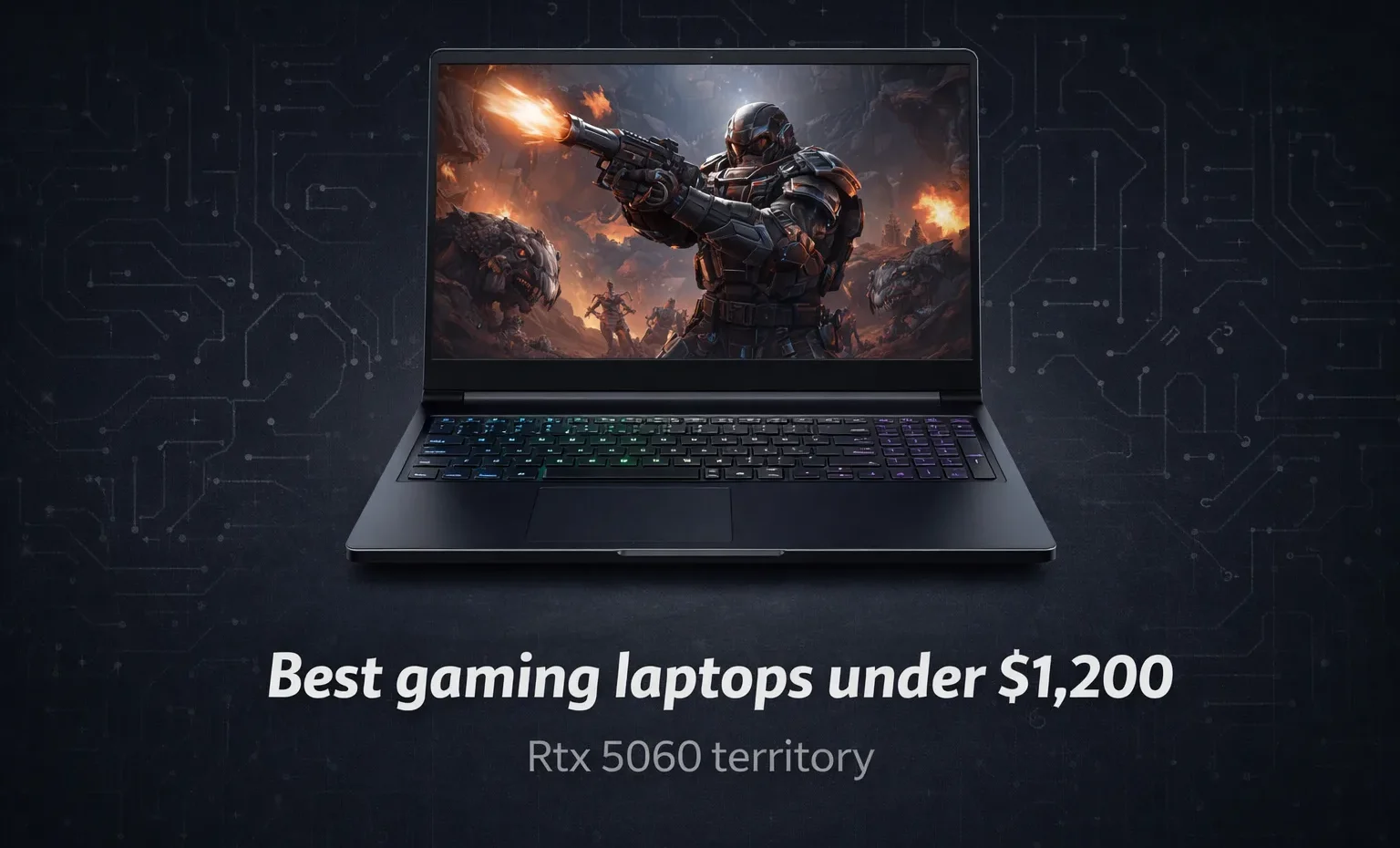
The best gaming laptops under $1,200 in 2026 land you squarely in RTX 5060 territory, and that is a genuinely good place to be. This is the tier where the RTX 50 series becomes accessible without forcing painful tradeoffs on display quality or thermal design. Here is how to navigate it without overpaying for specs you will not use or underpaying into hardware that throttles the moment things get demanding.
What the $1,200 budget actually gets you in 2026
At this price, the GPU landscape has shifted meaningfully compared to last year. The RTX 5060 laptop GPU is now the dominant choice in this range, with several configurations landing between $1,000 and $1,200 depending on the pairing with display, RAM, and CPU. DLSS 4 Multi Frame Generation comes with it, which matters more at this budget than at higher tiers because it gives mid-range hardware access to frame rate numbers that previously required significantly more expensive GPUs.
The CPU question at this range is less fraught than it used to be. Intel Core Ultra 7 and AMD Ryzen 7 chips are standard at $1,100 to $1,200, and both are more than adequate for the GPU tier they are paired with. The CPU is rarely the bottleneck in gaming at 1080p and 1440p with an RTX 5060. Where it matters more is in streaming, content creation, or CPU-heavy simulation titles.
RAM is an area to watch carefully. Some configurations at this price ship with 16GB, which is the minimum comfortable amount for gaming in 2026. 32GB is available at this budget and worth prioritizing if you run the browser, Discord, and the game simultaneously without wanting to think about memory.
Top picks at three price points
Under $1,100: The Lenovo Legion Pro 5 with RTX 5060 is the most frequently recommended machine in this segment, and it earns that position. The combination of a Ryzen 7 processor, 16GB DDR5, a 1TB SSD, and an OLED display at or below $1,100 is genuinely unusual value. The OLED panel is the differentiating factor at this price, producing contrast and color quality that IPS panels at this tier cannot match. For most buyers, this is the sweet spot.
Around $1,100 to $1,150: The Lenovo Legion 5 non-Pro variant pairs an RTX 5060 with a 1600p display at a competitive price. It trades some of the Pro’s build quality for a lower price, but the display resolution is the meaningful upgrade. Playing at 1600p with DLSS Quality mode enabled gives you sharper visuals than native 1080p while keeping frame rates in comfortable territory for the GPU.
Approaching $1,200: The Gigabyte Gaming A16 with RTX 5070 occasionally appears around $1,180, and when it does, it represents a meaningful step up. The RTX 5070 brings 12GB of VRAM against the RTX 5060’s 8GB, which matters in titles pushing VRAM limits at 1440p. The catch is availability, since this configuration drifts above $1,200 regularly. Monitor pricing and buy when it drops.
What to check before buying
Thermal design is the variable that GPU model numbers cannot tell you. An RTX 5060 in a chassis with poor thermal management will throttle within 20 minutes of sustained gaming, producing performance closer to an RTX 5050 at full load. Laptop reviews that include sustained benchmarks over 30-minute sessions reveal this. Short burst numbers hide it. I’ve seen people recomend machines purely on peak benchmark scores without acknowledging those scores evaporate under load.
Display specifications matter more at this budget than at higher tiers because you are less likely to connect an external monitor. Check the panel technology, the refresh rate (144Hz minimum, 165Hz or above preferable), and whether G-Sync Compatible certification is listed. Budget panels here tend to cap brightness around 250 to 300 nits, adequate for indoor gaming but poor in bright ambient lighting.
Battery life is frequently glossed over. Gaming laptops under $1,200 are primarily plugged-in machines, but if you carry the laptop between gaming sessions for work or study, unplugged efficiency matters. AMD Ryzen AI 300 series configurations have shown better battery life than equivalent Intel pairings in this tier.
The GPU question: RTX 5060 or RTX 5070?
Here is where it gets interesting. The RTX 5060 at $1,000 to $1,100 is the clear value choice for 1080p gaming and competent at 1440p with DLSS. The RTX 5070 at $1,150 to $1,200 adds 4GB of VRAM and meaningfully more headroom for 1440p at higher settings.
If you play at 1440p in visually demanding titles, 12GB of VRAM becomes relevant faster than raw performance numbers suggest. If you play primarily at 1080p or competitive esports titles well within an 8GB VRAM budget, the RTX 5060 handles everything comfortably. Don’t overpay for specs you will not exercise.
The right choice depends on one thing: your target resolution and game library. The $1,200 ceiling forces a real decision between GPU headroom and display quality. Prioritize the display if you sit close to the screen for long sessions. Prioritize the GPU if you play open-world or high-fidelity titles where visual settings matter to you.
Ports and upgradability
Port selection is where gaming laptops under $1,200 most consistently fall short of pricier options. Thunderbolt 4 or 5 is rare here. Most include HDMI 2.1, two to three USB-A ports, and a single USB-C port that may not support display output. Verify this explicitly before buying if you plan to connect an external monitor.
Upgradability is better than it used to be. Both Lenovo Legion configurations allow RAM and SSD upgrades via user-accessible panels, making starting at 16GB and upgrading later a viable strategy for managing upfront cost. The GPU is soldered and non-upgradeable, which is why the GPU choice at purchase carries more weight than anything else in this category.
The decision ultimately comes down to use case. A machine that stays at a desk plugged in is a different purchase than one that travels daily and doubles as a work device. The Legion Pro 5 with its OLED display earns the top recommendation for desk-focused buyers. The standard Legion 5 with its 1600p panel and lighter weight is the better choice for anyone carrying the laptop regularly.














Join the Discussion