
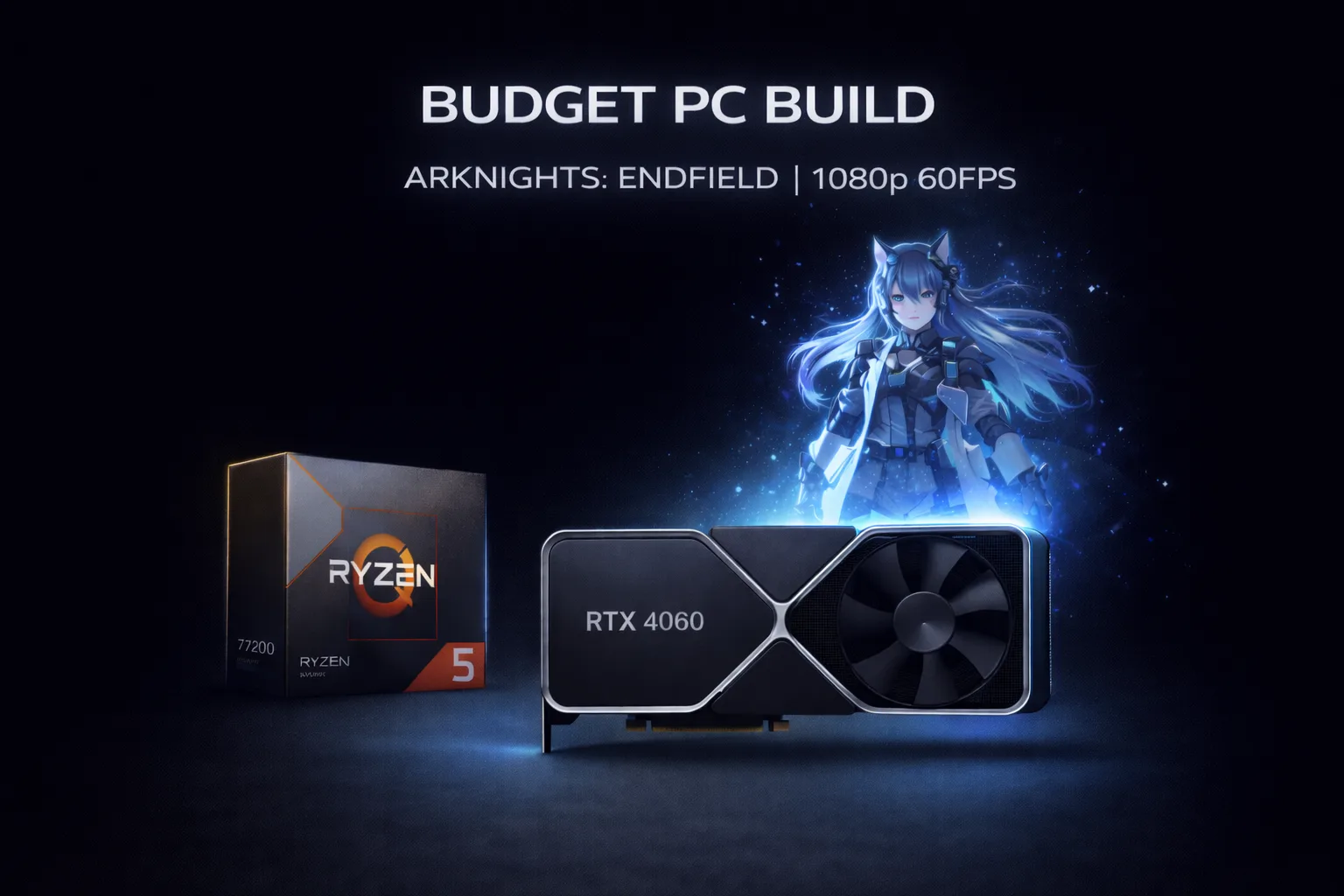
Building a PC for Arknights: Endfield PC build doesn’t require flagship hardware. That’s genuinely good news. The game targets mid-range systems, the minimum GPU is a GTX 1060, and the CPU bar is low enough that most builders from 2019 onward are already covered. What actually matters here is the GPU, 16GB RAM minimum, and an SSD. Get those three right and the game runs well. This guide presents three complete builds at different price points, each matched to a specific performance target.
What Arknights: Endfield actually needs from your hardware
Before spending anything, understand what this game taxes and what it doesn’t. The GPU carries most of the load: Unreal Engine 5 visuals, particle effects in combat, open-world rendering. The CPU is secondary; the game’s AI and physics calculations don’t push modern chips hard during normal play. Factory automation sequences with many machines running simultaneously are the exception, but even then the difference between a mid-range and high-end CPU is small.
RAM matters more than most people expect. The official recommended specs list 32GB, but community testing consistently shows 16GB handles 1080p and 1440p without issues. Save that budget for a better GPU instead.
Storage is non-negotiable. The game streams assets continuously across its semi-open world. A mechanical hard drive turns every region transition into a noticeable pause. Any SSD solves this. An NVMe drive is faster but not required. A basic SATA SSD at under $40 is all you need here.
Budget build: solid 1080p at 60 FPS
Target: 1080p, high settings, stable 60 FPS Budget: $650–$750
| Component | Pick | Price |
|---|---|---|
| CPU | AMD Ryzen 5 7600 | ~$170 |
| GPU | NVIDIA RTX 4060 8GB | ~$280 |
| Motherboard | ASRock B650M-HDV/M.2 | ~$100 |
| RAM | 16GB DDR5-5600 | ~$55 |
| Storage | 1TB NVMe SSD (Kingston NX790) | ~$75 |
| PSU | 650W 80+ Bronze | ~$55 |
| Case | Budget mesh case with airflow | ~$55 |
The RTX 4060 is the right GPU for this tier. It handles 1080p maxed with DLSS Balanced enabled comfortably, and the 8GB VRAM manages Endfield’s texture streaming without issues at this resolution. The Ryzen 5 7600 gives you six cores with strong single-thread performance. More than enough for this game and most titles you’ll play alongside it.
For most builders, this is the sweet spot if 1080p at 60 FPS is the target. Don’t overpay for specs you won’t use at this resolution.
One thing to watch: the B650M board is basic but reliable. It does everything this build needs. If you plan to upgrade the CPU later, verify compatabily with your specific board revision before buying a newer Ryzen chip.
Mid-range build: clean 1440p experience
Target: 1440p, high-ultra settings, 60-90 FPS Budget: $1,100–$1,250
| Component | Pick | Price |
|---|---|---|
| CPU | AMD Ryzen 5 7600X | ~$220 |
| GPU | NVIDIA RTX 4070 12GB | ~$530 |
| Motherboard | MSI B650 Gaming Plus WiFi | ~$180 |
| RAM | 32GB DDR5-6000 CL36 | ~$120 |
| Storage | 1TB NVMe SSD (WD Black SN770) | ~$85 |
| PSU | 750W 80+ Gold modular | ~$95 |
| Case | Mid-tower mesh with good airflow | ~$85 |
The RTX 4070 with 12GB VRAM is built for 1440p. In Endfield it delivers consistent 60-90 FPS on high-ultra settings, and with DLSS Quality mode enabled you can push toward 100+ FPS without meaningful visual compromise. The 12GB VRAM future-proofs this build against texture quality increases in future updates.
Here’s where it gets interesting with RAM: at 1440p, 32GB becomes more relevant if you run recording software or keep applications open alongside gaming. If you’re gaming-only, 16GB still works fine and you can save $60 toward a better PSU or storage.
The modular PSU is worth the extra cost at this tier. Clean cable management makes a real differance in airflow when you’re spending this much on components.
High-end build: 1440p maxed or 4K capable
Target: 1440p maxed at 120+ FPS, or 4K at 60 FPS Budget: $1,700–$1,900
| Component | Pick | Price |
|---|---|---|
| CPU | AMD Ryzen 7 7800X3D | ~$340 |
| GPU | NVIDIA RTX 4070 Ti Super 16GB | ~$720 |
| Motherboard | ASUS TUF Gaming X670E-Plus | ~$250 |
| RAM | 32GB DDR5-6000 CL30 | ~$150 |
| Storage | 2TB NVMe SSD (Samsung 990 Pro) | ~$160 |
| PSU | 850W 80+ Gold modular | ~$120 |
| Case | Full-tower with strong airflow | ~$130 |
The Ryzen 7 7800X3D is the best gaming CPU available right now. Its 3D V-Cache architecture improves frame times in CPU-dependent scenarios, the factory automation sequences in Endfield being one of them. You could go with a standard 7700X and save $100, but actualy the 7800X3D’s advantage in complex scenes makes it worth the premium at this budget level.
The RTX 4070 Ti Super handles 4K at high settings with DLSS Quality enabled comfortably, and 1440p maxed with Frame Generation pushing well above 120 FPS. The 16GB VRAM gives you genuine headroom for whatever Endfield’s future updates demand.
What to avoid across all budgets
DDR4 platforms at new prices. AM4 and older Intel platforms are end-of-life. If you’re buying new, DDR5 and AM5 give you upgrade paths. DDR4 does not.
GPUs under 8GB VRAM for new builds. The RTX 4060 6GB and similar cards will struggle with future texture quality increases. 8GB is the minimum for a build you want to use for two or three years.
Skipping the SSD. Already covered above, but worth repeating: a hard drive makes this specific game painful regardless of every other component in the build.
Overspending on CPU when the GPU budget suffers. A Ryzen 9 7950X paired with an RTX 4060 is a bad trade for gaming. GPU-first, always.
A note on upgrading existing systems
If you already have a PC and are upgrading specifically for Endfield, the priority order is simple. GPU first if yours is below RTX 3060 / RX 6600 level. SSD second if you’re still on a hard drive. RAM third if you’re below 16GB. CPU last. Most systems from 2019 onward don’t need a CPU upgrade for this game specifically.
I’ve seen people regret spending $300 on a CPU upgrade when the same money on a GPU would have tripled their actual gaming performance. Check your GPU first.















Join the Discussion