
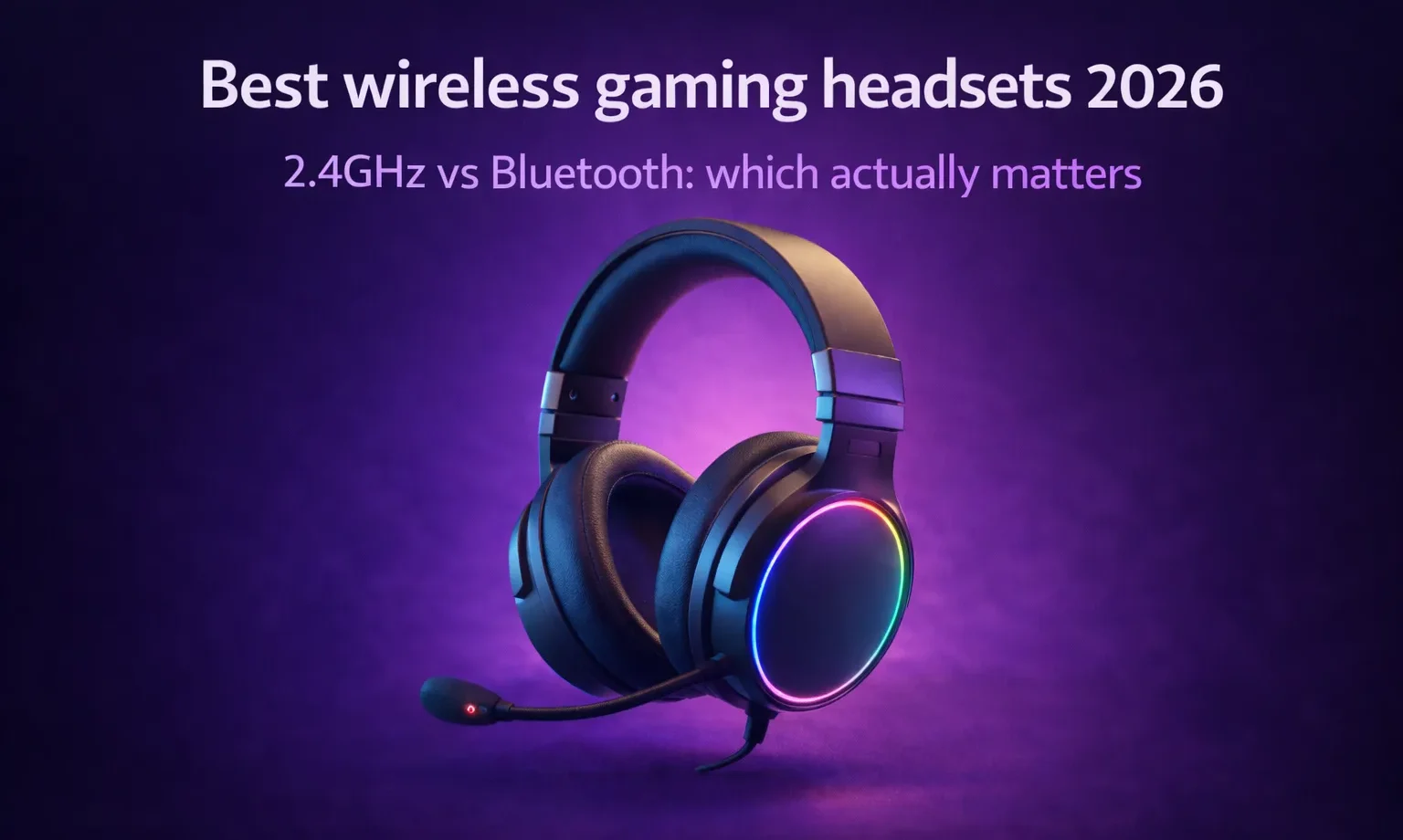
The short answer is: mostly no. The compromise is still there. It is just smaller than it used to be, and for most people it no longer matters in any meaningful way during actual gameplay. What follows is the longer, more useful answer.
2.4GHz vs Bluetooth: the question that actually matters
These are genuinely different technologies with genuinely different use cases, and confusing them leads to poor purchasing decisions.
2.4GHz wireless uses a USB dongle that creates a dedicated, low-interference connection between the headset and your PC or console. In practice, what you’ll actually notice is that it behaves almost identically to a wired connection. Latency sits around 2 to 5 milliseconds in well-implemented setups. That number is low enough that your brain cannot detect it. For gaming, 2.4GHz is the right choice.
Bluetooth was not built for real-time audio. The codecs that most Bluetooth headsets use (SBC, AAC) introduce latency that can reach 100 to 200 milliseconds depending on the device and the codec negotiated. Even newer codecs like aptX Adaptive can bring this down to 40 to 80 milliseconds. That is still above what feels acceptable in a fast-paced game where audio cues matter. Footsteps, gunshots, ability sounds: all of them will feel slightly detached from the on-screen action.
Day to day, this matters more than the spec sheet suggests. A competitive FPS player running Bluetooth will notice the desync before they consciously identify the source. An immersive single-player player running Bluetooth for a narrative adventure will probably not notice at all.
The practical rule: gaming sessions get 2.4GHz. Bluetooth is for listening to music, joining calls, or connecting to your phone while your PC is idle. Many premium headsets now offer both simultaneously, which is genuinely useful.
Latency: what is real and what is marketing
The “zero latency wireless” language in product marketing is not accurate. What manufacturers mean is “low enough to be imperceptible,” which is not the same thing.
For competitive gaming, anything under 20 milliseconds is effectively imperceptible. Most quality 2.4GHz gaming headsets sit between 2 and 10 milliseconds. That is solidly in the range where it creates no practical disadvantage. Where the latency actually comes from in most “stuttery” wireless audio is interference from other 2.4GHz devices in the environment: routers, other USB dongles, wireless mice and keyboards. A headset that measures 5ms in a lab can behave erratically in a crowded apartment. Most premium headsets now use frequency-hopping to mitigate this, and it works well in practice.
Mic quality: the honest assessment
No boom mic on a headset, wired or wireless, will sound like a dedicated desktop microphone. The physics of the form factor make it impossible. What good headset mics do well is voice clarity for communication: your teammates can understand you, background noise is filtered, and your voice does not clip under loud conditions.
The best microphones in this category as of 2026 come from the SteelSeries Arctis Nova line and the Razer BlackShark V3 Pro. The Audeze Maxwell uses beamforming mics that are functional but clearly not its priority. If voice communication is central to your use case, the boom mic designs outperform the flush-integrated alternatives without exception.
I know this sounds minor, but it is not: the flip-to-mute or retract-to-mute mechanism on a wireless headset is something you will use dozens of times per session. Bad implementations (soft buttons with no tactile feedback, mute indicators you have to look at a software panel to check) genuinely add friction to long sessions.
Battery life and comfort: the long-session variables
Battery life has improved substantially. In 2026, anything under 20 hours at normal volume is below average. The HyperX Cloud Alpha Wireless sits at a reported 300 hours. The Arctis Nova 7 delivers around 38 hours. Most mid-range options land between 24 and 40 hours, which is plenty for any realistic weekly gaming schedule.
Weight and ear pad material are where headsets win or lose real sessions. After a few hours, you start to notice a 350-gram headset in a way that a 280-gram model never imposes. Velour pads breathe better than leatherette for long sessions, but leatherette provides better passive isolation. Neither is objectively correct, it depends on your environment and how much you run warm.
Top picks by budget
Under $100: SteelSeries Arctis Nova 3 Wireless. Solid 2.4GHz and Bluetooth support, detachable mic, decent sound for the price. The comfort is reliable at this tier.
$100 to $200: Razer BlackShark V3 Pro. The current consensus pick for PC gaming. Excellent audio tuning for competitive use, strong boom mic, simultaneous dual-wireless. The 2.4GHz performence is clean.
$200 and above: Audeze Maxwell. Planar magnetic drivers at this price point are genuinely diferent from what dynamic drivers produce at lower tiers. The soundstage and imaging are in a separate class. The trade-off is that the built-in mics are a weak point, and at this price that is a real consideration if you communicate heavily.
The “no compromise” claim in the title is almost true in 2026 on the audio side. The compromises that remain are weight, battery management, and the occasional interference in dense wireless environments. For the majority of gaming use cases on a quality 2.4GHz headset, the cable is no longer solving a problem worth tolerating it for.














Join the Discussion