
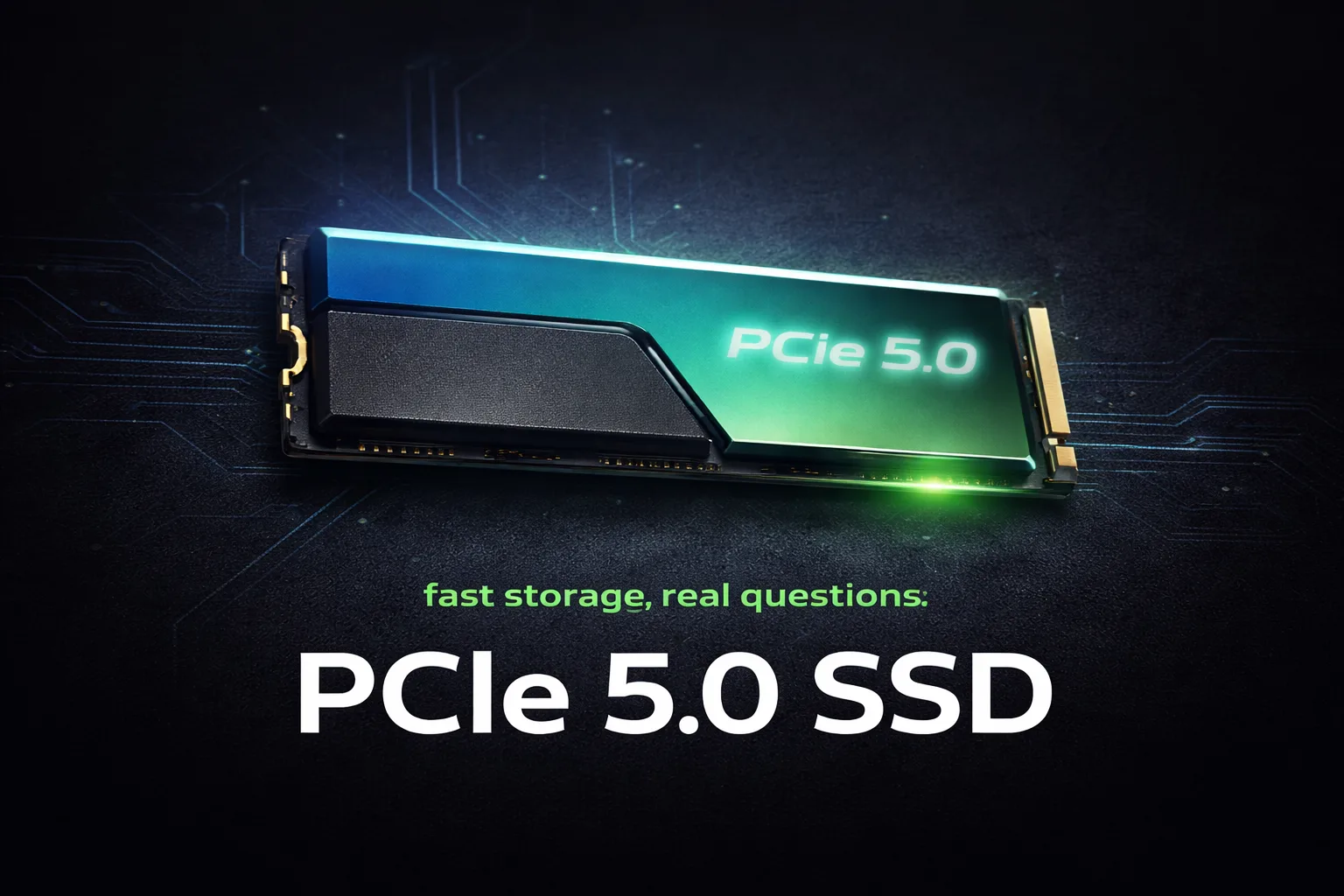
The short answer is: for most builders, no. The longer answer depends on your budget, your motherboard, and what you actually do with your PC. PCIe 5.0 SSDs are genuinely fast, but gaming is one of the workloads least likely to show you that speed in a way you’ll notice. Here’s where it gets interesting though: that calculus is slowly starting to shift.
PCIe 4.0 vs 5.0: what the real-world load times actually show
On paper, PCIe 5.0 SSDs push sequential read speeds past 12,000 MB/s, roughly double what a good PCIe 4.0 drive delivers. That sounds transformative. In practice, game load times tell a different story.
Measured load time differences between a mid-range PCIe 4.0 SSD and a PCIe 5.0 drive in most current titles sit in the range of one to three seconds. In open world games with heavy streaming, the gap can stretch to five or six seconds on the initial load. That’s real, but it’s not the kind of difference that changes how gaming feels day to day.
The reason is straightforward. Most games were built around storage speeds that were standard two or three years ago. They’re not designed to saturate PCIe 5.0 bandwidth, and the bottleneck in load times has moved upstream to CPU processing and asset decompression rather than raw storage throughput. A fast PCIe 4.0 drive already outpaces what most game engines can actually consume during loading.
For productivity work, video editing, or large file transfers, PCIe 5.0 absolutely earns its premium. For gaming specifically, the bandwidth is largely theoretical at this point.
Games that actually benefit: DirectStorage changes the picture
Here’s where the conversation gets more nuanced. DirectStorage, Microsoft’s API that allows the GPU to decompress assets directly from the SSD without routing through the CPU, is designed to take advantage of high-speed storage in ways traditional loading cannot.
Games built natively around DirectStorage 1.2 and beyond can use sustained sequential throughput in ways that older titles simply don’t. Titles shipping in 2025 and 2026 with full DirectStorage integration show meaningfully larger gaps between PCIe 4.0 and 5.0 drives than anything released before 2024. We’re not yet at the point where PCIe 5.0 is a clear requirement, but the trajectory is pointed in that direction.
If you’re building a system you plan to use for three to four years, this matters. The games coming in year two and three of that build’s life will benefit from PCIe 5.0 more than today’s library does. That’s a reasonable argument for spending up now if your budget allows it without compromising elsewhere.
The key word is “elsewhere.” A PCIe 5.0 SSD purchased instead of a GPU tier upgrade or more RAM is defintely the wrong call for gaming.
The heat problem: this is not a minor issue
Don’t overpay for specs you won’t use, but also don’t underestimate what PCIe 5.0 drives demand from your case. This is the part of the PCIe 5.0 conversation that doesn’t get enough attention in spec sheets.
First-generation PCIe 5.0 SSDs run hot. Genuinely hot. Several drives in this category require active cooling to maintain sustained performance, and without adequate airflow they throttle down to speeds that erase most of the advantage over PCIe 4.0. Some drives ship with heatsinks that add significant height, which creates clearance issues with certain CPU coolers and RAM configurations.
Second-generation PCIe 5.0 drives have improved on this, with better thermal management and more refined controllers. If you’re buying in 2026, stick to second-generation options from established manufacturers. The early adopter thermal problems are largely addressed in newer models, but verify cooler clearance before buying.
Your motherboard’s M.2 slot placement matters here too. Slots positioned directly under the GPU get the least airflow in most mid-tower cases. If that’s your only M.2 slot option, factor in a heatsink solution.
Verdict by budget: where PCIe 5.0 makes sense
Under $150 total SSD budget: PCIe 4.0 is the recomended choice without question. A 1TB PCIe 4.0 drive from a reliable manufacturer delivers everything gaming needs today at lower cost, lower heat, and without compatibility concerns on older platforms.
$150 to $250 SSD budget: This is where it gets interesting. You can get a solid 2TB PCIe 4.0 drive or a 1TB PCIe 5.0 drive for similar money. For a gaming-focused build, the 2TB PCIe 4.0 option gives you more storage with equivalent gaming performance. If you do mixed workloads (gaming plus content creation or large file work), the 1TB PCIe 5.0 drive is a reasonable consideration.
$250 and above, or future-focused builds: PCIe 5.0 earns its place here. At this budget tier, you’re likely already covered on GPU and RAM, and the storage upgrade makes sense both for current productivity performance and for DirectStorage-optimized titles coming in the next few years. Pair it with a second-generation drive and ensure adequate cooling.
Platform compatibility check: PCIe 5.0 M.2 support requires a motherboard with a PCIe 5.0 M.2 slot. Intel 12th and 13th gen platforms are generally not compatable. AMD Ryzen 7000 series and Intel 14th gen and newer typically support it, but verify your specific motherboard before purchasing. A PCIe 5.0 drive in a PCIe 4.0 slot runs at PCIe 4.0 speeds.
The bottom line
For a gaming-first build in 2026, a quality PCIe 4.0 SSD remains the smart choice for most budgets. The real-world load time gains from PCIe 5.0 don’t justify the premium when that same money improves your GPU, RAM, or cooling situation.
The case for PCIe 5.0 strengthens if you’re building at a higher budget, doing mixed workloads, or planning ahead for DirectStorage-native titles arriving over the next two years. In that context, the premium starts making practical sense. Just sort out your thermals first.














Join the Discussion