
Before you invest time in an open-world RPG that can run to 150 hours of content, you want to know your machine handles it properly. Where Winds Meet has a free-to-play price tag, but it does not have a lightweight hardware requirement. The Messiah Engine that powers it is genuinely demanding in ways that catch people off guard, and the spec sheet has a few numbers that need explaining before you just look at minimum and assume you are fine. Here is what your PC actually needs, and what those numbers mean in practice.
[CHECK IF YOUR PC CAN RUN IT AND DOWNLOAD FREE]
The full spec breakdown
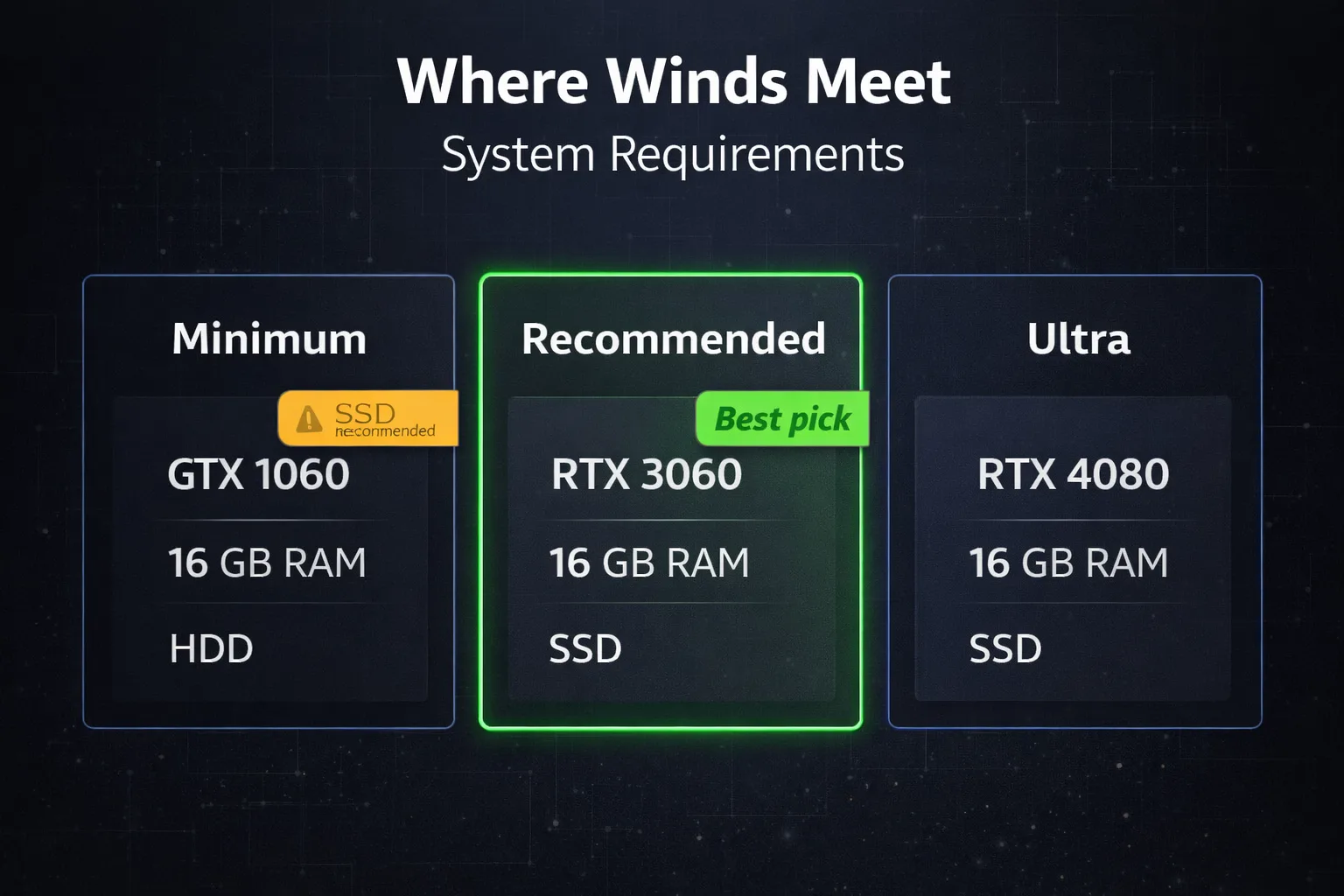
The official specs from the developer split into three tiers. Minimum gets the game running. Recommended targets stable 60fps at 1080p with good visual quality. Ultra is for high-refresh-rate setups and higher resolutions.
| Spec | Minimum | Recommended | Ultra |
|---|---|---|---|
| OS | Windows 10 or 11, 64-bit | Windows 10 or 11, 64-bit | Windows 10 or 11, 64-bit |
| CPU | Intel Core i7-7700K or AMD Ryzen 5 1600 | Intel Core i7-10700 or AMD Ryzen 7 3700X | Intel Core i7-12700K |
| GPU | Nvidia GTX 1060 6GB or AMD RX 480 8GB | Nvidia RTX 2070 Super or AMD RX 6700 XT | Nvidia RTX 3080 |
| RAM | 16GB | 32GB | 32GB |
| Storage | 100GB | 100GB SSD | 100GB NVMe SSD |
| DirectX | Version 12 | Version 12 | Version 12 |
| Network | Broadband | Broadband | Broadband |
A few things in that table stand out immediately and are worth addressing directly.
The 32GB RAM recommendation is not padding
For most builders, this is the number that raises eyebrows. The recommended RAM target for Where Winds Meet is 32GB, which is higher than practically every other open-world RPG in this category. Most comparable titles recommend 16GB. There is a specific reason this one does not.
The Messiah Engine handles open-world streaming differently from engines like Unreal. It loads NPC behaviour systems, environmental assets, and city simulation data simultaneously in memory rather than streaming them aggressively from storage. In dense areas like central Kaifeng, with hundreds of active NPCs, shops, and dynamic events running at once, that approach pushes RAM harder than typical titles.
On 16GB the game runs. You will not get a crash or a hard error. What you get instead is hitching during fast travel, frame drops when entering crowded city districts, and occasional stutters during extended play sessions when memory fills up. None of these are dealbreakers, but they are noticeable. If you are already on 16GB and thinking about this game seriously, a 32GB kit is actualy one of the better investments you can make for overall system stability in 2025 games generally, not just this one.
SSD is strongly advised, not optional
The spec sheet says “SSD recommended” and leaves it at that. Here is where it gets interesting. Where Winds Meet loads zones without visible loading screens. The open world streams continuously as you move through it. On a mechanical HDD, that streaming creates load spikes that manifest as visible pop-in, stutter, and in some cases brief freezes when moving between areas quickly.
On an NVMe SSD the experience is close to seamless. On a SATA SSD it is good. On an HDD it is compatable with the minimum spec in the technical sense, meaning the game will start and run, but the experience degrades significantly during exploration. If you have an HDD as your only drive, the Lite client (more on that below) helps, but it does not fully solve the streaming problem.
The full install size is 100GB. Plan for 120GB of free space to account for patches and shader cache. If you are tight on SSD space, the Lite client brings that down to around 68GB.
The Lite client option
This is one of the most useful and underused features of the game. Where Winds Meet offers a Lite client on their official launcher at approximately 68GB versus the 100GB full Steam client. The Lite client uses lower-resolution textures and simplified assets that are meaningfully better suited to minimum-spec hardware.
The Lite client is not a worse version of the game in terms of content. Every quest, region, story mission, and gameplay system is identical. The visual fidelity is lower, but on hardware near the minimum spec the Lite client delivers a noticeably smoother experience than running the full client with everything turned down.
If you are on a GTX 1060 or RX 480 and 16GB of RAM, start with the Lite client. You can upgrade to the full client later if you add hardware.
Laptop considerations
The developer publishes separate laptop minimum specs, and they are considerably higher than the desktop minimums. Where the desktop minimum accepts a GTX 1060, the laptop minimum targets an RTX 2080 Super Max-Q, an RTX 3060, or an RX 6650M XT at minimum. That puts laptop minimum specs roughly equivalent to desktop recommended specs.
The reason is thermal management. Open-world games with continuous streaming put sustained load on both CPU and GPU in ways that cause mobile hardware to throttle when temperatures rise. A desktop GTX 1060 runs at full power indefinitely. A laptop GPU under sustained load does not. If you are on a gaming laptop with an RTX 3060 or better, you should be fine. Below that, expect to use the Lite client and lower settings.
What the minimum spec actually gets you
I have seen people regret skipping this part. Meeting the minimum spec means the game runs. It does not mean the game runs well. At GTX 1060 and 16GB RAM on the full client you are looking at medium to low settings, sub-60fps in city areas, and the shader stutter issues that affect most players in their first session until the cache builds.
That is still a functioning experience in a free game with 150 hours of content. But set expectations accordingly.
For players near minimum spec, check our best PC settings guide after downloading. The right settings adjustments on minimum hardware make a significant differance in day-to-day playability, more than the spec table alone suggests.
[DOWNLOAD WHERE WINDS MEET FREE AND START PLAYING]














Join the Discussion