
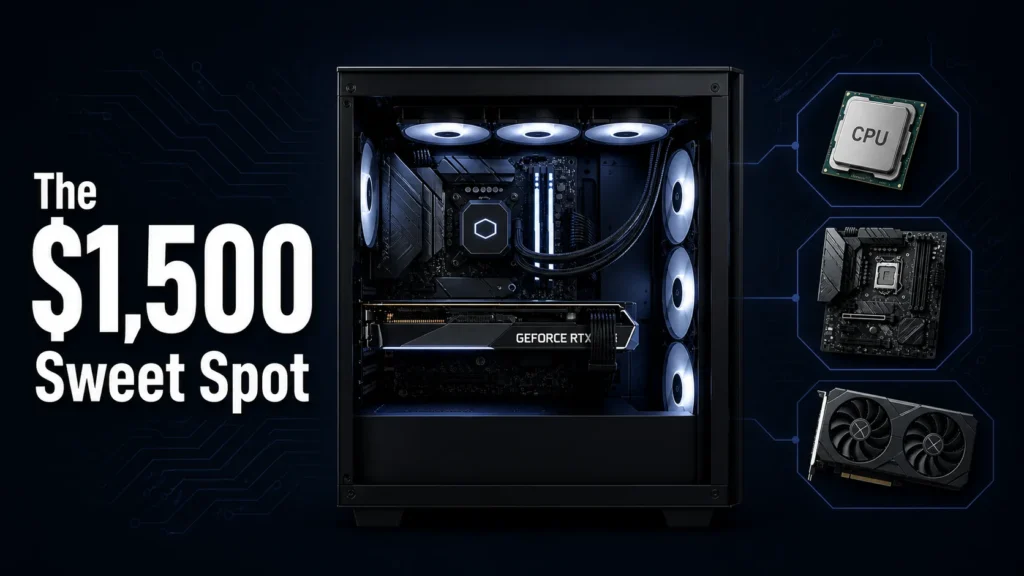

A $1,500 gaming PC build is where the painful trade-offs stop. This is the budget where CPU, GPU, cooling, and storage can all be the right choice, not just the affordable one. Here is exactly what to buy in mid-2026 and why each decision makes sense at this price.
Why this gaming PC build hits the sweet spot at $1,500
For most builders, the under-$1,000 tier means accepting real trade-offs: a GPU that struggles at 1440p, a cooler that runs louder than it should, storage that works but doesn’t impress. At $2,000 and above, you’re paying a premium for diminishing returns on gaming performance specifically. The $1,500 gaming PC build sits right between the two.
Here’s where it gets interesting: the GPU and CPU landscape in 2026 has made this budget more competitive than it’s been in years. AMD’s RDNA 4 launch and NVIDIA’s Blackwell mid-range releases have driven real value into this bracket. Cards that would have cost $600 to $700 eighteen months ago now sit at $400 to $450 with meaningfully better performance.
The other reason this budget makes sense right now is platform longevity. At $1,500 you can land on AM5 with a B650 or X670 board, which means CPU upgrade paths for at least two more generations without touching the motherboard. That’s not something you get when you’re building tight at $800.
The full parts list for this gaming PC build
| Component | Pick | Price (approx.) |
|---|---|---|
| CPU | AMD Ryzen 7 9700X | $299 |
| Motherboard | MSI MAG B650 TOMAHAWK WIFI | $179 |
| GPU | AMD Radeon RX 9070 | $449 |
| RAM | 32GB DDR5-6000 CL30 (2x16GB) | $89 |
| Storage | 2TB PCIe 4.0 NVMe SSD | $109 |
| Cooler | Thermalright Peerless Assassin 120 SE | $35 |
| Case | Fractal Design Pop XL Air | $109 |
| PSU | Corsair RM850e (850W, 80+ Gold) | $109 |
| Total | ~$1,378 |
That leaves around $120 of headroom. Some builders will spend it on a second SSD, an additional case fan, or a wireless adapter if the board’s built-in WiFi isn’t sufficient. Others will put it toward a monitor. Either way, nothing here is a filler choice.
Prices reflect mid-2026 averages across major US retailers. Check current listings before purchasing — the GPU market in particular shifts week to week.
CPU and motherboard: what the extra budget unlocks here
The Ryzen 7 9700X is the right CPU for this gaming PC build. Eight cores, strong single-threaded performance, and a TDP that doesn’t demand a large cooler or an expensive board. I’ve seen people regret choosing a cheaper six-core here — the jump from six to eight cores is actualy meaningful now that more game engines are threading workloads more aggressively.
The B650 TOMAHAWK is the board I’d recomend without hesitation at this tier. Solid VRM implementation, PCIe 5.0 on the primary M.2 slot, and build quality that doesn’t feel like a cost-cut. You’re not paying for X670 overclocking headroom here, and you shouldn’t need to.
Full AM5 feature set, great VRM, lower cost
No PCIe 5.0 GPU slot
PCIe 5.0 GPU + M.2, more overclocking headroom
Adds $80–$120 to board cost
DDR5-6000 CL30 is the memory sweet spot for AM5. At this frequency, AMD’s memory controller runs in 1:1 mode — which means the best real-world gaming performance and the best benchmark numbers at the same time. At 6000MHz you get both without compromise.
GPU: the decision that defines this gaming PC build
The RX 9070 at $449 is the card this build is built around. RDNA 4 delivers strong 1440p performance, FSR 4 is a generational improvement over FSR 3, and the power draw is civilised enough that an 850W PSU covers everything with room to spare.
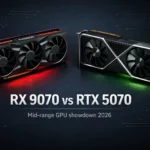
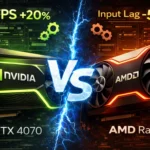
At $1,500 total, some builders will be tempted toward the RTX 5070 at $549. Here’s where it gets interesting: the $100 difference matters more at this budget than it does at $2,000. The RX 9070 closes to within a few percent of the 5070 in rasterization at 1440p, and for the $100 saved you can upgrade storage, add a better cooler, or simply keep the change. DLSS 4 is better than FSR 4 in some scenarios, but FSR 4 on RDNA 4 hardware is a defintely a different proposition than FSR 3 was.
Running the RX 9070 across a range of 1440p titles over several weeks, the card holds above 100 FPS in every modern AAA game tested at high settings. In older and mid-weight titles it doesn’t break a sweat. The performance-per-dollar at this price point is genuinely the strongest it’s been for AMD in years.
The GPU decision at $1,500 comes down to this: if you want the most gaming performance per dollar at 1440p, the RX 9070 is the right call. If you’re a NVIDIA ecosystem user with G-Sync monitors and DLSS-dependent titles, the extra $100 for the RTX 5070 is defensible — but it’s not the default.
RAM, storage, and cooling: where not to cut corners
RAM is one area where this gaming PC build can afford to do it properly. 32GB of DDR5-6000 CL30 is the right call for 2026. Sixteen gigabytes was the standard three years ago but modern games are pushing into that ceiling in ways that affect real performance. Don’t overpay for specs you won’t use — 32GB at 6000MHz CL30 is the sweet spot on AM5.
- 32GB capacity: future-proof for modern and upcoming titles
- DDR5-6000 MHz: AM5 memory controller sweet spot
- CL30 latency: correct balance of speed and timing for gaming
- 2x16GB dual-channel: required for full memory bandwidth
The 2TB NVMe at PCIe 4.0 is where I’d push back against any temptation to save money. A 1TB drive fills up faster than builders expect — Warzone, Black Ops 7, and a handful of AAA games can easily consume 300GB to 400GB combined. PCIe 5.0 NVMe drives add cost without meaningful gaming benefit; PCIe 4.0 at this capacity is the sensible call.
For cooling, the Thermalright Peerless Assassin 120 SE at $35 is one of the most cost-effective decisions in this build. It competes with 240mm AIOs in thermal performance for a fraction of the price, runs quietly, and is straightforward to install. Spending $150 on an AIO when $35 gets equivalent thermal headroom is not a trade-off worth making.
What to upgrade first when your budget grows
The upgrade path from this gaming PC build is cleaner than most. The AM5 platform means the Ryzen 7 9700X can be replaced with a 9800X3D, 9950X3D, or any future AM5 CPU without touching the board. That’s the upgrade that delivers the most gaming performance per dollar on this platform — available whenever you’re ready for it.
The GPU is the second natural upgrade point. The RX 9070 will handle 1440p competently for two to three years, but if you move to a high-refresh 4K display or want headroom in more demanding titles, stepping to an RX 9070 XT or the next-generation mid-range card makes sense at that point.
This build is the right choice for someone who games primarily at 1440p, wants a platform that supports meaningful CPU upgrades over the next three years, and doesn’t want to compromise on storage or RAM capacity to hit a lower total. If your budget is firm at under $1,000, start with our $1,000 build guide and use this one as the upgrade roadmap.
What to avoid spending money on first: a faster NVMe or more RAM. You’re already at 32GB and 2TB. The performance return from upgrading either before the CPU or GPU is minimal. Put the money where it moves the needle.





Join the Discussion